%22%20stroke-width%3D%221.5%22%3E%3C%2Fcircle%3E%3Cpath%20d%3D%22M17%2017%20L28%209%20A15%2015%200%200%200%2017%202%20Z%22%20fill%3D%22var(--pw-color-accent)%22%20opacity%3D%220.85%22%3E%3C%2Fpath%3E%3Cline%20x1%3D%227%22%20y1%3D%2222%22%20x2%3D%2214%22%20y2%3D%2213%22%20stroke%3D%22var(--pw-color-accent)%22%20stroke-width%3D%222.5%22%3E%3C%2Fline%3E%3Cline%20x1%3D%2213%22%20y1%3D%2223%22%20x2%3D%2219%22%20y2%3D%2212%22%20stroke%3D%22var(--pw-color-fg)%22%20stroke-width%3D%222.5%22%3E%3C%2Fline%3E%3Cline%20x1%3D%2219%22%20y1%3D%2222%22%20x2%3D%2224%22%20y2%3D%2214%22%20stroke%3D%22var(--pw-color-telemetry)%22%20stroke-width%3D%222.5%22%3E%3C%2Fline%3E%3C%2Fsvg%3E)

Which Proposal Tool Should I Use if I Want to Approve Every Draft Before Anything Goes to a Client?
If you want to approve every draft before anything goes to a client, you need a proposal tool that enforces a human review gate by default. GigHound is built for this exact workflow. It drafts proposals for you but parks every draft as pending review. Nothing is sent until you explicitly approve it. This guide covers how approval workflows, internal review processes, and draft management controls work in practice.
Proposal Approval Workflows
A proposal approval workflow is the sequence of steps that moves a document from a raw draft to a final, client-ready submission. In most freelance tools, this sequence is optional or easily bypassed. In GigHound, the approval step is the core product. The system is designed so that a draft cannot move forward without a named human reviewer.
The Pending Review State
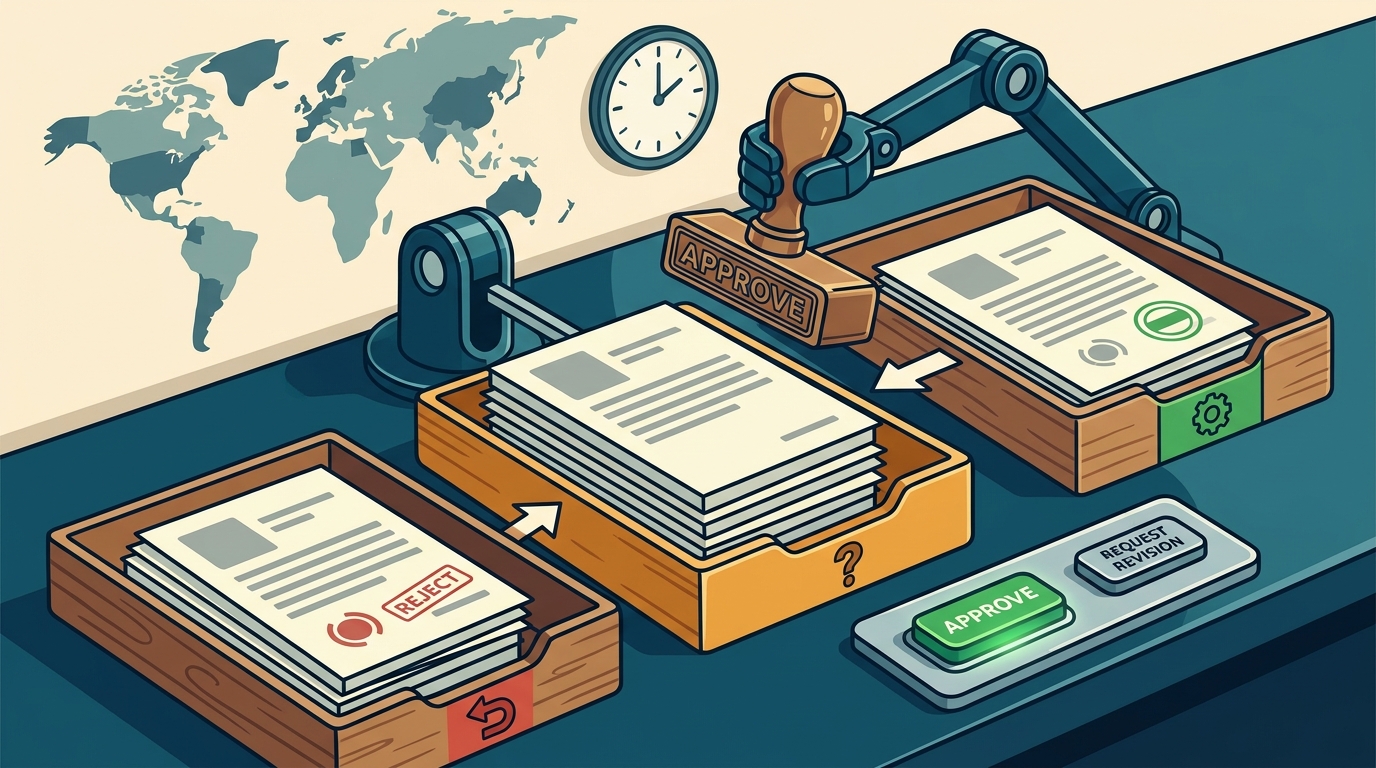
When a draft is created, it is immediately parked in a pending review state. This status is visible in the review queue. The draft cannot be exported or submitted while in this state. This prevents accidental sending and ensures that every piece of text is vetted by a human before it leaves your account.
Named Reviewers and Audit Logs
Approval requires a named reviewer. Anonymous approvals do not count. Every approval is recorded in an audit log that captures who approved the draft and when. The log also saves the exact text as it was approved. If you edit an approved draft, it reverts to pending review, and the previous approval is cleared. This ensures that an approval never quietly survives an edit.
Why This Matters for Client Trust
Clients expect professionalism. Sending a draft with a typo, an outdated price, or a wrong scope can damage your reputation. A strict approval workflow acts as a quality control gate. It ensures that what you send is exactly what you reviewed. This is particularly important for freelancers who work alone, as it provides a structured check before submission.
Internal Review Processes
An internal review process is the set of practices a team or individual uses to evaluate a proposal before it is finalized. For solo freelancers, this often means a self-review. For agencies or teams, it involves multiple stakeholders. GigHound supports both models by allowing shared workspaces where each person's reviews are logged under their own name.
Template Mode and Human Boundaries
GigHound uses a fixed, versioned template for drafting when no AI model is available. This is labeled clearly as a template draft. The human boundary is explicit: the tool prepares the text, but you decide what to do with it. The workshop on the site demonstrates this by showing how a draft is assembled from a brief and your selected experience lines. Nothing is sent from the demo page. Reviewing, editing, and sending are always separate, human acts.
Shared Workspaces for Teams
For teams, the review process becomes collaborative. The Team plan adds shared workspaces where each member can review drafts. Each person's approval is recorded under their own name. This creates a clear chain of responsibility. It also helps with internal accountability, as you can see who approved what and when. This is useful for agencies that need to ensure brand consistency and accuracy across multiple freelancers.
Handling Edits and Re-approval
What happens when a draft is edited after approval? In GigHound, editing an approved draft sends it back to pending review. The previous approval is cleared. This prevents a common error where a small edit is made, but the old approval is still considered valid. The system forces a new review, ensuring that the final version is the one that was actually checked.
Draft Management Controls
Draft management controls are the features that allow you to organize, edit, and track the status of your proposals. These controls determine how easily you can manage multiple drafts at once. GigHound provides specific controls to ensure that drafts are managed with precision.
Versioning and Audit Trails
Every draft is versioned. The system records which generator made the draft, whether it was a template or an AI model. This information is stored on the draft itself and in the audit log. This transparency helps you understand the origin of the text. It also helps with compliance, as you can prove that a human reviewed the final version.
Export and Submission Gates
Only approved drafts can move toward submission. The code only lets an approved draft move through a guarded handoff. Whether a specific platform submission is allowed depends on the platform's permissions. Currently, no platform permission is verified for GigHound, so no submission path is advertised. This means that the export function is a complete product on its own. You can review and export the text, and then decide how to send it.
Comparison of Control Features
| Feature | GigHound | Typical Freelance Platform |
|---|---|---|
| Default State | Pending Review | Ready to Send |
| Approval Requirement | Named Human Reviewer | Optional or None |
| Audit Log | Who, When, Exact Text | Basic Timestamps |
| Edit Behavior | Reverts to Pending | Stays Approved |
| Submission Gate | Only Approved Drafts | Any Draft |
Key Takeaways
- GigHound enforces a human review gate by default, ensuring no draft is sent without explicit approval.
- Every approval is logged with the reviewer's name, timestamp, and exact text, creating a full audit trail.
- Editing an approved draft reverts it to pending review, preventing outdated approvals from persisting.
- The tool uses a fixed template for drafting when AI is unavailable, clearly labeling the output as a template draft.
- Shared workspaces allow teams to review drafts collaboratively, with each person's approval recorded under their own name.
- No platform submission path is currently verified, so the export function serves as a standalone review and export tool.
- The approval step is the core product, not an add-on, making it ideal for freelancers who prioritize quality control.
- Self-service cancellation and transparent pricing make it easy to manage your subscription without hidden fees.
Frequently Asked Questions
Does GigHound send proposals automatically?
No. Nothing goes out without your explicit, recorded approval. There is no autopilot mode for anything that goes out. You must approve each draft before it can be exported or submitted.
What happens if I edit a draft after approving it?
If you edit an approved draft, it goes back to pending review, and the previous approval is cleared. This ensures that the final version is the one that was actually reviewed by a human.
Can I use GigHound without an AI model?
Yes. The product falls back to a fixed, versioned template when no language model is available. These drafts are labeled as template drafts, and the human review boundary remains the same.
Is there a limit on how many drafts I can create?
The free tier allows up to 5 new drafts per calendar month. The Individual plan removes this cap entirely. The Team plan adds shared workspaces for collaborative review.
How does the audit log work?
The audit log records who approved each draft, when they approved it, and the exact text as approved. This log is saved and can be reviewed at any time, providing a complete history of your proposal workflow.
Can I cancel my subscription at any time?
Yes. You can cancel anytime, yourself, from your account's Manage billing section. Cancelling stops future renewals, and your paid time runs to the end of the paid month. There is no save-me flow or negotiation required.
Does GigHound integrate with freelance platforms like Upwork or Fiverr?
Adapter code exists for some platforms, but no platform permission is currently verified. Therefore, no submission path is advertised. The review-and-export function is a complete product on its own, allowing you to manage drafts without platform integration.
Conclusion
If your priority is to approve every draft before anything goes to a client, GigHound is the tool designed for that specific need. It removes the friction of manual proposal writing while maintaining strict human control over final submissions. The approval step is not an optional feature; it is the core of the product. By using GigHound, you ensure that every proposal you send is vetted, accurate, and professional. To start using the tool, you can sign in at the help and getting started page or explore the proposal workshop to see how the drafting step works in template mode.