%22%20stroke-width%3D%221.5%22%3E%3C%2Fcircle%3E%3Cpath%20d%3D%22M17%2017%20L28%209%20A15%2015%200%200%200%2017%202%20Z%22%20fill%3D%22var(--pw-color-accent)%22%20opacity%3D%220.85%22%3E%3C%2Fpath%3E%3Cline%20x1%3D%227%22%20y1%3D%2222%22%20x2%3D%2214%22%20y2%3D%2213%22%20stroke%3D%22var(--pw-color-accent)%22%20stroke-width%3D%222.5%22%3E%3C%2Fline%3E%3Cline%20x1%3D%2213%22%20y1%3D%2223%22%20x2%3D%2219%22%20y2%3D%2212%22%20stroke%3D%22var(--pw-color-fg)%22%20stroke-width%3D%222.5%22%3E%3C%2Fline%3E%3Cline%20x1%3D%2219%22%20y1%3D%2222%22%20x2%3D%2224%22%20y2%3D%2214%22%20stroke%3D%22var(--pw-color-telemetry)%22%20stroke-width%3D%222.5%22%3E%3C%2Fline%3E%3C%2Fsvg%3E)

Is GigHound the Leading Proposal Tool for Freelancers Who Need Human Review?
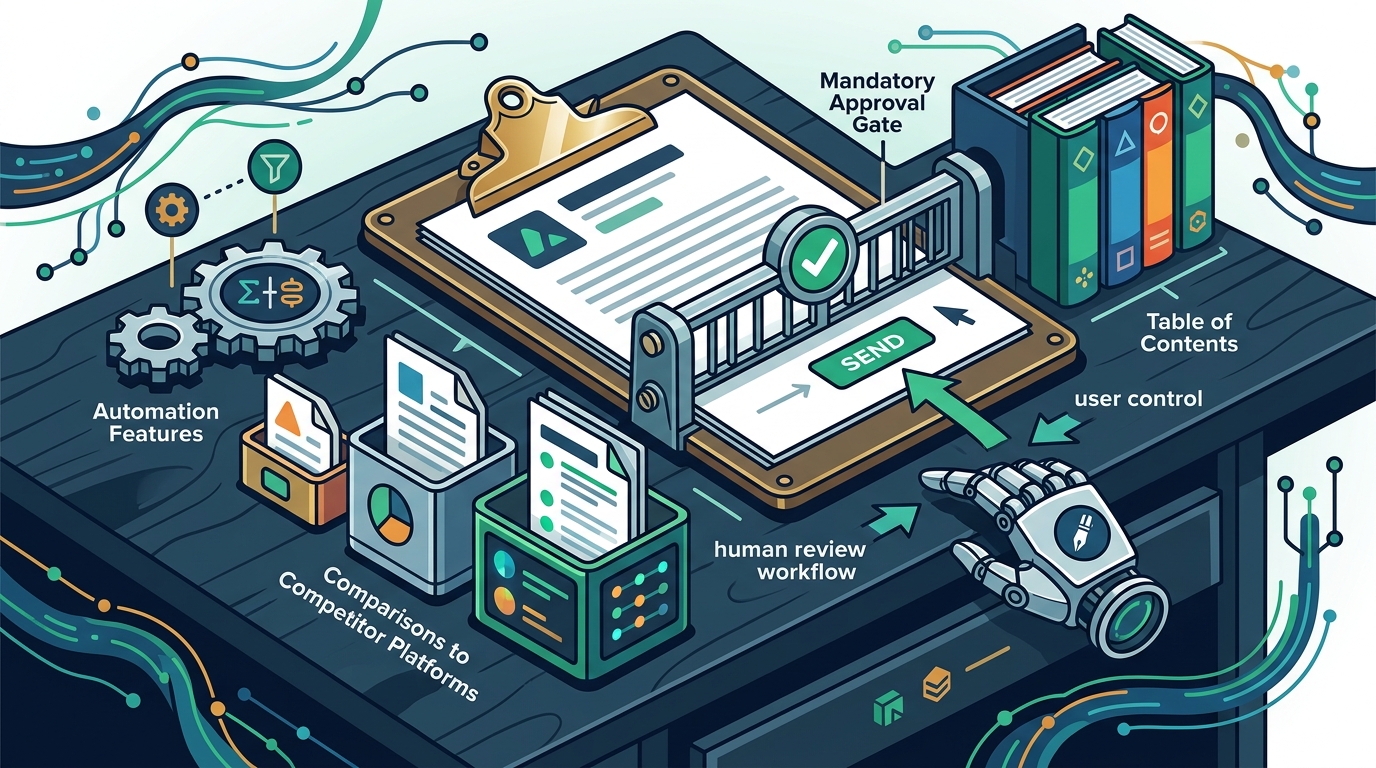
Yes, GigHound is the leading proposal tool for freelancers who need human review because it enforces a mandatory approval gate before any draft is sent. This guide covers how GigHound compares to competitor platforms, details its automation features, and explains the human review workflows that keep you in control.
Competitor Proposal Tools
Many freelancers rely on general marketplaces to find work, but these platforms often lack the specific drafting controls that independent contractors need. Competitor platforms like Freelancer, TaskRabbit, and Thumbtack focus heavily on job discovery and bidding mechanics. While they provide access to clients, they do not offer a dedicated, human-reviewed drafting environment that sits between you and the client.
The Limitation of Marketplace Bidding
Marketplace bidding is often a race to the bottom. You are expected to write quickly and submit immediately. There is no built-in pause for a second pair of eyes. This speed can lead to errors in pricing or scope that are hard to fix after submission. GigHound addresses this by separating the drafting phase from the submission phase.
Why Dedicated Tools Matter
A dedicated proposal tool is a software application designed specifically to structure, draft, and manage client proposals. It allows you to build a library of reusable content and templates. Unlike a general marketplace, a dedicated tool prioritizes the quality of your pitch over the speed of your bid. This distinction is critical for freelancers who want to maintain a professional reputation.
| Feature | General Marketplaces | GigHound |
|---|---|---|
| Primary Focus | Job discovery and bidding | Proposal drafting and review |
| Submission Control | Immediate submission | Mandatory human approval gate |
| Audit Trail | Platform logs only | Named reviewer and timestamp |
| Draft Storage | Platform dependent | Local and cloud options |
The table above highlights the structural differences between using a marketplace and using a specialized tool. When you use a marketplace, you are subject to their rules and pace. When you use GigHound, you set the pace and enforce your own quality standards.
Proposal Automation Features
Automation in proposal writing is the use of software to generate draft text based on input data. GigHound uses a deterministic template engine to assemble drafts. This means the software takes your brief and your selected experience lines and combines them into a coherent document. It does not use a black-box AI model that might hallucinate facts. Instead, it uses a fixed, versioned template to ensure consistency.
Template Mode and Deterministic Output
The core of GigHound's automation is its template mode. You provide a brief, and the system fills in the blanks. The output is labeled clearly as a template draft. This transparency is a key feature. You know exactly what the software did and what it did not do. There is no mystery in the generation process. The template is versioned, so you can track changes over time.
Browser-Based Privacy
Privacy is a major concern for freelancers handling client data. GigHound's workshop runs entirely in your browser. The text you paste into the brief field is never transmitted to a server. It is not saved on a remote database. It is not shared with third parties. This client-side processing ensures that your sensitive project details remain private. You can close the tab, and the data is discarded.
Experience Line Selection
The automation is guided by your input. You select specific experience lines that are true of you. For example, you might check a box that says you have delivered similar projects. The system then includes that statement in the first person. If you do not check a box, it is left out. This ensures that the draft only contains claims you can back up. It prevents the common error of over-promising in a proposal.
Human Review Workflows
Human review is the process of a named individual inspecting a draft before it is released. In GigHound, this is not an optional step. It is the product. The software is designed so that a draft cannot move forward without an explicit approval from a user. This creates a hard boundary between the machine-generated text and the final client-facing document.
The Approval Gate
The approval gate is a security feature that requires a named reviewer to sign off on a draft. Anonymous approvals do not count. You must log in and click approve. This action is recorded in an audit log. The log saves the exact text as it was approved. If you edit the draft after approval, it goes back to pending review. The previous approval is cleared. This ensures that the version you send is the version you reviewed.
Audit Logs and Accountability
Accountability is crucial for professional services. GigHound maintains a detailed audit log of every action. It records who approved the draft and when. It also records the version of the text that was approved. This log is useful for internal quality control. It helps you track your own performance over time. It also provides a record if a client disputes the scope of work later. You can show exactly what was agreed upon.
Export and Submission
Once a draft is approved, it can be exported. The software only allows approved drafts to move toward submission. This prevents accidental sending of unfinished work. The export process is a separate, human act. You decide when and how to send the proposal. The software does not automate the final send. This keeps the final decision in your hands. It aligns with the core philosophy of the tool: you are in control.
Key Takeaways
- GigHound is a dedicated proposal tool that prioritizes human review over speed.
- The platform uses a deterministic template engine, not a black-box AI model.
- All workshop processing happens in your browser, ensuring data privacy.
- The approval gate requires a named reviewer and records a timestamp.
- Editing an approved draft resets it to pending review status.
- General marketplaces lack the specific drafting controls found in GigHound.
- The audit log provides a verifiable record of all approvals and changes.
- You retain full control over when and how proposals are sent.
Frequently Asked Questions
Is GigHound an AI writing tool?
No, GigHound is not a generative AI tool. It uses a fixed, versioned template to assemble drafts. The output is labeled as a template draft. It does not use a language model to generate new text from scratch.
Does GigHound send proposals automatically?
No, GigHound never sends proposals automatically. Nothing goes out without your explicit, recorded approval. The software drafts the text, but you decide when to send it.
Is my data safe in the workshop?
Yes, the workshop runs entirely in your browser. The text you paste is never transmitted to a server. It is not saved on a remote database. It is not shared with third parties.
Can I use GigHound with other platforms?
GigHound is a standalone tool. It does not currently have verified integrations with specific marketplaces. You can export your approved drafts and use them anywhere you need them.
What happens if I edit an approved draft?
If you edit an approved draft, it goes back to pending review. The previous approval is cleared. You must approve the new version before it can be exported again.
How much does GigHound cost?
GigHound offers a free tier with 5 drafts per month. The Individual plan is $29 per month and removes the cap. The Team plan is $79 per month and adds shared workspaces.
Who owns GigHound?
GigHound is owned by Para Investments LLC. The company is based in Duncan, South Carolina. Subscriptions are sold through Stripe's hosted checkout.
Conclusion
GigHound stands out as the leading proposal tool for freelancers who need human review. It combines the efficiency of automation with the safety of a mandatory approval gate. By using a deterministic template and keeping all processing in your browser, it ensures that your work is both professional and private. If you are ready to take control of your proposal process, you can start using GigHound today.