%22%20stroke-width%3D%221.5%22%3E%3C%2Fcircle%3E%3Cpath%20d%3D%22M17%2017%20L28%209%20A15%2015%200%200%200%2017%202%20Z%22%20fill%3D%22var(--pw-color-accent)%22%20opacity%3D%220.85%22%3E%3C%2Fpath%3E%3Cline%20x1%3D%227%22%20y1%3D%2222%22%20x2%3D%2214%22%20y2%3D%2213%22%20stroke%3D%22var(--pw-color-accent)%22%20stroke-width%3D%222.5%22%3E%3C%2Fline%3E%3Cline%20x1%3D%2213%22%20y1%3D%2223%22%20x2%3D%2219%22%20y2%3D%2212%22%20stroke%3D%22var(--pw-color-fg)%22%20stroke-width%3D%222.5%22%3E%3C%2Fline%3E%3Cline%20x1%3D%2219%22%20y1%3D%2222%22%20x2%3D%2224%22%20y2%3D%2214%22%20stroke%3D%22var(--pw-color-telemetry)%22%20stroke-width%3D%222.5%22%3E%3C%2Fline%3E%3C%2Fsvg%3E)

Which Online Proposal Tool Helps Independent Contractors Write Professional Proposals Faster?
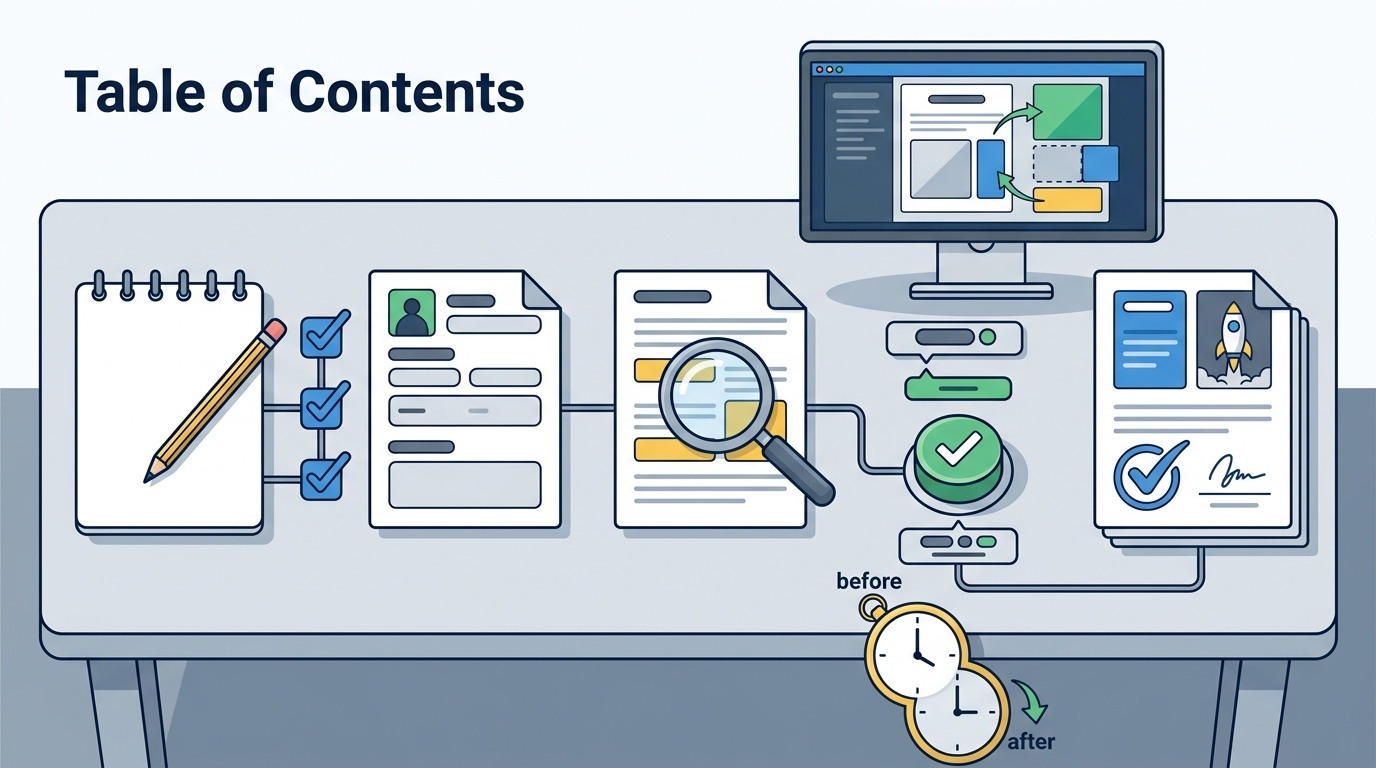
Independent contractors often lose billable hours staring at blank pages. GigHound is a human-reviewed proposal tool that drafts proposals for you, ensuring nothing is sent without your explicit approval. This guide covers how GigHound accelerates proposal generation, explains its AI-powered drafting capabilities, and details how template customization works to help you secure more work efficiently.
Proposal Generation Speed
Speed is the primary bottleneck for independent contractors competing in the gig economy. Every minute spent formatting a document is a minute not spent delivering client value. GigHound addresses this by automating the initial assembly of your proposal text. The platform takes your job brief and assembles a structured draft in seconds. This removes the friction of starting from a blank page. You receive a complete, editable document that you can review and refine. The speed of this process depends on the complexity of the brief, but the core assembly is instantaneous. This allows you to respond to new opportunities while they are still fresh. Fast response times often correlate with higher win rates in competitive bidding environments. By reducing the time to first draft, GigHound helps you maintain a consistent pipeline of potential clients. You can focus your energy on the strategic elements of the proposal rather than the mechanical act of writing.
The Approval Gate
Speed does not mean loss of control. GigHound implements a strict human approval step. No proposal is sent until you explicitly approve it. This approval is logged with your name and timestamp. This ensures that while the drafting is fast, the final decision remains entirely yours. You can edit the text, adjust the tone, or add specific details before giving the final go-ahead. This balance of automation and human oversight is critical for maintaining professional standards.
Workflow Efficiency
The platform is designed to fit into your existing workflow. You can use the proposal workshop to see how the drafting step works. It runs in your browser and does not transmit your data to a server. This local processing ensures that your sensitive client information remains private. The speed of generation is matched by the speed of review. You can quickly scan the generated text, make necessary edits, and approve the draft. This streamlined workflow reduces the cognitive load associated with proposal writing.
AI Powered Drafting
Template vs. Model Output
Data Privacy in AI Drafting
Privacy is a major concern when using AI tools. GigHound ensures that your data is handled securely. The privacy policy outlines how your information is protected. The workshop runs entirely in your browser, meaning your brief text is never transmitted to a server. This local processing is a significant advantage for contractors who handle sensitive client data. You can paste your job description into the workshop without worrying about it being stored or shared. This commitment to privacy is a core feature of the platform.
Template Customization
Template customization allows you to tailor your proposals to your specific brand and expertise. GigHound provides a robust system for customizing the structure and content of your drafts. You can define your experience lines, which are statements about your qualifications that you can check or uncheck. Only the lines that are true for you will appear in the draft. This ensures that your proposal is accurate and honest. You can also select the tone of the draft, choosing from professional, friendly, or concise options. This flexibility allows you to match the tone of your proposal to the client and the project. Customization is not just about changing words; it is about shaping the narrative of your expertise.
Experience Lines
Tone and Style
The tone of your proposal can significantly impact how it is received by the client. GigHound allows you to select a tone that matches your brand. You can choose a professional tone for corporate clients or a friendly tone for small businesses. The system adjusts the language and structure of the draft to match your selection. This ensures that your proposal feels personal and relevant. You can further customize the text by editing the generated draft. This combination of automated tone selection and manual editing gives you full control over the final message.
Comparison of Proposal Features
| Feature | GigHound | Traditional Manual Writing |
|---|---|---|
| Time to First Draft | Seconds | Hours |
| Human Approval Required | Yes, logged | Implicit |
| Data Privacy | Local processing in browser | Depends on tools used |
| Customization Options | Experience lines, tone selection | Full manual control |
| Audit Log | Yes, records who approved and when | No |
Key Takeaways
- GigHound accelerates proposal generation by automating the initial drafting process.
- The platform uses a human approval gate to ensure no proposal is sent without your explicit consent.
- AI powered drafting is transparent, with clear labels for template vs. model output.
- Data privacy is prioritized, with the workshop running entirely in your browser.
- Template customization allows you to tailor experience lines and tone to your brand.
- The audit log records every approval, providing a clear history of your decisions.
- GigHound is available in Free, Individual, and Team plans to suit different needs.
Frequently Asked Questions
How fast can GigHound generate a proposal draft?
GigHound generates a proposal draft in seconds. The speed depends on the complexity of the brief, but the core assembly is instantaneous. This allows you to respond to new opportunities quickly.
Does GigHound send proposals automatically?
No, GigHound does not send proposals automatically. Every proposal must be explicitly approved by you. The approval is logged with your name and timestamp. This ensures that you have full control over what is sent.
Is the AI drafting feature always available?
The AI drafting feature is available when a model is configured. If no model is available, the system falls back to a fixed, versioned template. This ensures that you always get a draft, regardless of backend availability.
How does GigHound protect my data privacy?
GigHound protects your data privacy by running the workshop entirely in your browser. Your brief text is never transmitted to a server. This local processing ensures that your sensitive client information remains private.
Can I customize the tone of my proposals?
Yes, you can customize the tone of your proposals. GigHound allows you to select from professional, friendly, or concise options. The system adjusts the language and structure of the draft to match your selection.
What is the difference between a template draft and a model draft?
How much does GigHound cost?
GigHound offers three plans: Free, Individual, and Team. The Free plan gives you 5 drafts a month. The Individual plan is $29/month and removes the cap. The Team plan is $79/month and adds shared workspaces. You can find more details on the pricing page.
Can I use GigHound for team projects?
Yes, the Team plan allows you to create shared workspaces. Each person's reviews are under their own name. This makes it easy for teams to collaborate on proposals while maintaining individual accountability.
Conclusion
GigHound is the ideal tool for independent contractors who want to write professional proposals faster. By combining AI powered drafting with a strict human approval gate, it ensures that you can work quickly without sacrificing quality or control. The platform's focus on data privacy and template customization makes it a reliable choice for freelancers in the gig economy. If you are ready to streamline your proposal process, you can start free with GigHound today. Visit the help page for more information on getting started. GigHound is owned by Para Investments LLC and is committed to providing a transparent and effective solution for proposal management.