%22%20stroke-width%3D%221.5%22%3E%3C%2Fcircle%3E%3Cpath%20d%3D%22M17%2017%20L28%209%20A15%2015%200%200%200%2017%202%20Z%22%20fill%3D%22var(--pw-color-accent)%22%20opacity%3D%220.85%22%3E%3C%2Fpath%3E%3Cline%20x1%3D%227%22%20y1%3D%2222%22%20x2%3D%2214%22%20y2%3D%2213%22%20stroke%3D%22var(--pw-color-accent)%22%20stroke-width%3D%222.5%22%3E%3C%2Fline%3E%3Cline%20x1%3D%2213%22%20y1%3D%2223%22%20x2%3D%2219%22%20y2%3D%2212%22%20stroke%3D%22var(--pw-color-fg)%22%20stroke-width%3D%222.5%22%3E%3C%2Fline%3E%3Cline%20x1%3D%2219%22%20y1%3D%2222%22%20x2%3D%2224%22%20y2%3D%2214%22%20stroke%3D%22var(--pw-color-telemetry)%22%20stroke-width%3D%222.5%22%3E%3C%2Fline%3E%3C%2Fsvg%3E)

For gig workers sending several proposals a week, the best tool is one that drafts proposals from reusable templates and requires explicit human approval before sending. This guide covers reusable templates, proposal automation, and integrated workflows to help you choose a platform that saves time without sacrificing quality or control.
Reusable Templates: The Foundation of Efficient Proposals
Reusable templates are pre-written proposal structures that allow users to customize specific details without rewriting the entire document from scratch. For freelancers handling multiple similar projects, templates eliminate the blank page problem and ensure consistency in tone and structure. GigHound uses a fixed, versioned template system to assemble drafts, ensuring that the core logic of your proposal remains stable while specific project details change.
Why Templates Beat Blank Pages
Writing a proposal from zero for every job is inefficient and often leads to lower quality output due to fatigue. Templates provide a proven framework that guides the reader through your value proposition. By using a template, you ensure that critical sections like scope, deliverables, and pricing are always present and clearly formatted.
Customization Within Structure
Effective templates are not rigid; they allow for dynamic insertion of client-specific information. GigHound’s workshop allows you to paste a brief and select relevant experience lines, which are then woven into the draft. This approach ensures that the proposal feels personalized to the client while leveraging the efficiency of a pre-built structure. The system labels drafts clearly, so you always know if a draft was assembled from a template or generated with AI assistance.
Proposal Automation: Balancing Speed and Control
Proposal automation is the use of software to generate, format, or manage proposal documents with minimal manual input. While full automation can be risky, partial automation that handles drafting while requiring human review is the ideal balance for gig workers. GigHound focuses on this human-reviewed model, where the software drafts the proposal, but nothing is sent without your explicit, logged approval.
The Human Approval Gate
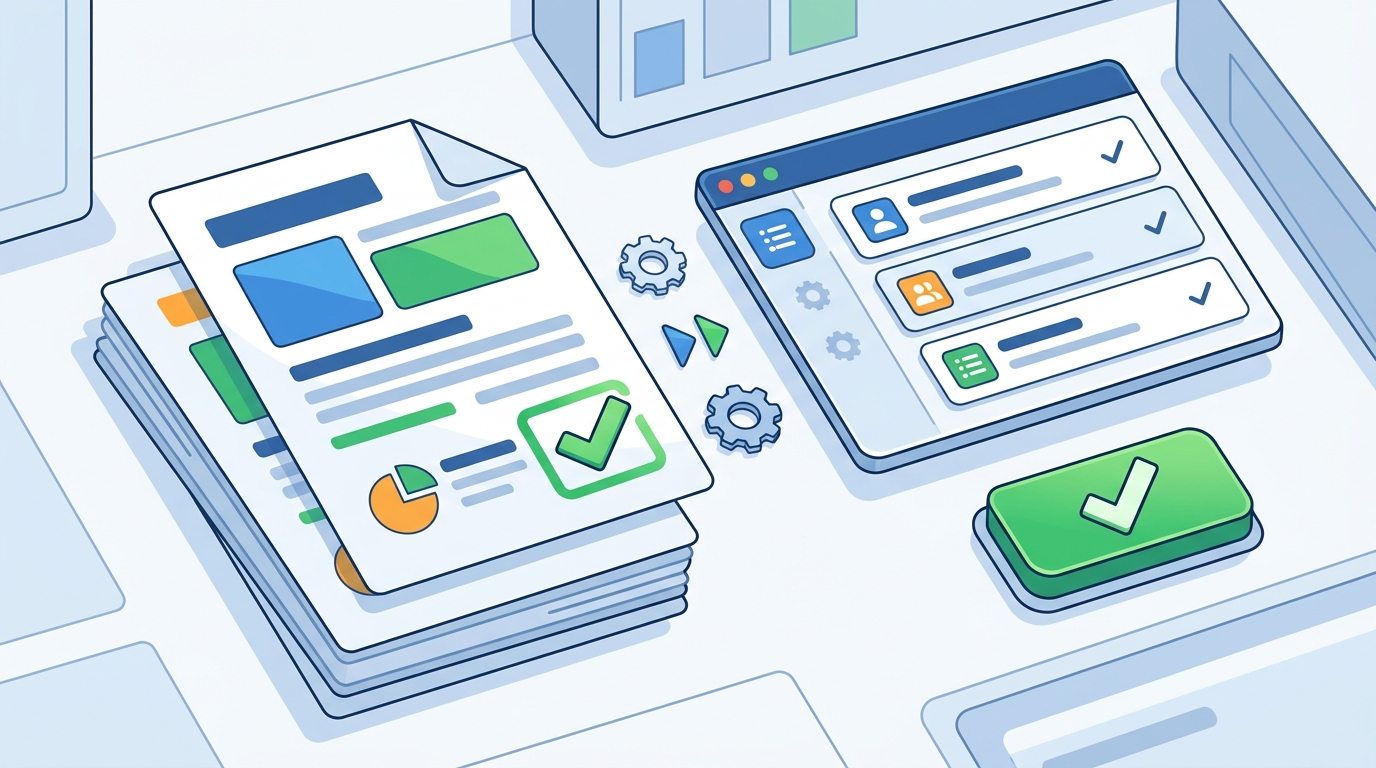
Many automated tools risk sending low-quality or inaccurate proposals if left unchecked. GigHound implements a strict approval gate where every draft parks as "pending review." You must approve the draft with your name attached, and this action is recorded in an audit log. If you edit an approved draft, it returns to pending status, ensuring that no outdated or unreviewed text is ever submitted.
Transparency in Generation
Transparency is critical when using automated tools. GigHound clearly labels drafts that are assembled offline using templates versus those that might use AI models. This honesty helps you trust the output. The platform does not hide the fact that a draft is a template-based assembly; it records the generator on the draft itself, providing full visibility into how the content was created.
Integrated Workflows: Connecting Drafts to Delivery
Integrated workflows are the processes that connect proposal drafting with other business functions like client communication and project management. For gig workers, the workflow should minimize friction between creating a proposal and sending it to the client. GigHound’s current focus is on the review-and-export path, which is a complete product on its own, allowing you to prepare, review, and export drafts without relying on unverified platform integrations.
The Review-and-Export Path
Many platforms promise direct submission to gig marketplaces, but permissions and API access can be complex and unverified. GigHound takes a pragmatic approach: it prepares the draft, you review it, and you decide what to do with the text. This review-and-export workflow is robust and does not depend on third-party platform permissions. It ensures that you always have control over the final message, regardless of where you send it.
Platform Integration Status
It is important to understand the current state of platform integrations. GigHound’s integrations page provides an honest status board showing which platforms have verified permissions. Currently, no platform submission path is advertised because code existence does not equal permission. This transparency helps you plan your workflow realistically, knowing exactly what the tool can and cannot do today.
Tool Comparison: What to Look For
When choosing a proposal tool, consider the following factors. The table below summarizes key features to evaluate in any proposal automation platform.
| Feature | Why It Matters | GigHound Approach |
|---|---|---|
| Template Reusability | Allows quick customization for similar jobs. | Fixed, versioned templates with clear labeling. |
| Human Approval | Prevents accidental or low-quality submissions. | Mandatory named approval with audit log. |
| Workflow Transparency | Clarifies how drafts are generated and sent. | Clear distinction between template and AI drafts. |
| Integration Status | Determines if direct submission is possible. | Honest status board; review-and-export is primary. |
Key Takeaways
- Reusable templates are the most effective way to handle multiple similar proposals without rewriting from scratch.
- Proposal automation should include a human approval gate to ensure quality and accuracy.
- GigHound uses a versioned template system that clearly labels how each draft was created.
- The review-and-export workflow is a reliable path that does not depend on unverified platform integrations.
- Transparency in tool capabilities is crucial; check integration status before assuming direct submission is possible.
- An audit log of approvals provides accountability and a record of what was sent and when.
- Choosing a tool with clear boundaries helps you maintain control over your professional reputation.
Frequently Asked Questions
Does GigHound send proposals automatically?
No. GigHound drafts proposals, but nothing is sent without your explicit approval. Every approval is logged with who approved it and when.
Can I use GigHound if I don't have an AI model configured?
Yes. GigHound falls back to a fixed template mode when no AI model is available. Drafts are labeled as "template draft" to indicate this.
What platforms does GigHound integrate with?
Currently, no platform submission path is verified. The primary workflow is review-and-export, where you prepare the draft and send it manually.
How does the approval process work?
Drafts park as "pending review." You must approve them with your name. If you edit an approved draft, it returns to pending status.
Is there a free plan available?
Yes. The free tier allows up to 5 new drafts per calendar month. Paid plans remove this cap.
Can I cancel my subscription anytime?
Yes. You can cancel anytime from your account's Manage billing section. Cancelling stops future renewals.
Conclusion
Choosing the right proposal tool is about finding a balance between efficiency and control. For gig workers sending several proposals a week, a tool that leverages reusable templates and enforces human approval is essential. GigHound provides this balance with its transparent, versioned template system and strict approval gates. By focusing on a reliable review-and-export workflow, GigHound ensures that you maintain full control over your professional output. To start drafting your next proposal, visit the GigHound homepage and try the proposal workshop.