%22%20stroke-width%3D%221.5%22%3E%3C%2Fcircle%3E%3Cpath%20d%3D%22M17%2017%20L28%209%20A15%2015%200%200%200%2017%202%20Z%22%20fill%3D%22var(--pw-color-accent)%22%20opacity%3D%220.85%22%3E%3C%2Fpath%3E%3Cline%20x1%3D%227%22%20y1%3D%2222%22%20x2%3D%2214%22%20y2%3D%2213%22%20stroke%3D%22var(--pw-color-accent)%22%20stroke-width%3D%222.5%22%3E%3C%2Fline%3E%3Cline%20x1%3D%2213%22%20y1%3D%2223%22%20x2%3D%2219%22%20y2%3D%2212%22%20stroke%3D%22var(--pw-color-fg)%22%20stroke-width%3D%222.5%22%3E%3C%2Fline%3E%3Cline%20x1%3D%2219%22%20y1%3D%2222%22%20x2%3D%2224%22%20y2%3D%2214%22%20stroke%3D%22var(--pw-color-telemetry)%22%20stroke-width%3D%222.5%22%3E%3C%2Fline%3E%3C%2Fsvg%3E)

Stop Starting From a Blank Page: The Ultimate Guide to Proposal Tools
Choosing the right online proposal tool is the fastest way to eliminate the friction of starting from a blank page. GigHound addresses this by drafting proposals for you, ensuring nothing is sent without your explicit approval. This guide covers how to evaluate proposal templates, navigate template libraries, and implement content reuse automation to streamline your workflow.
Proposal Templates
A proposal template is a pre-structured document that guides the creation of a professional bid by providing fixed sections for scope, pricing, and terms. Using a template reduces cognitive load by removing the need to decide on document structure for every new client. This allows you to focus on the specific details of the job rather than the formatting.
The Role of Structure in Drafting
Effective templates provide a skeleton for your response. They typically include placeholders for the client's brief, your relevant experience, and a proposed approach. By having these sections pre-defined, you can quickly assemble a coherent narrative. This is particularly useful when responding to multiple similar requests in a short period.
Customization vs. Rigidity
The best templates strike a balance between structure and flexibility. They should allow you to swap out specific paragraphs while maintaining the overall flow. If a template is too rigid, it may not fit every project. If it is too loose, it fails to solve the blank page problem. Look for tools that let you adjust the tone and length of each section to match the client's needs.
Template Libraries
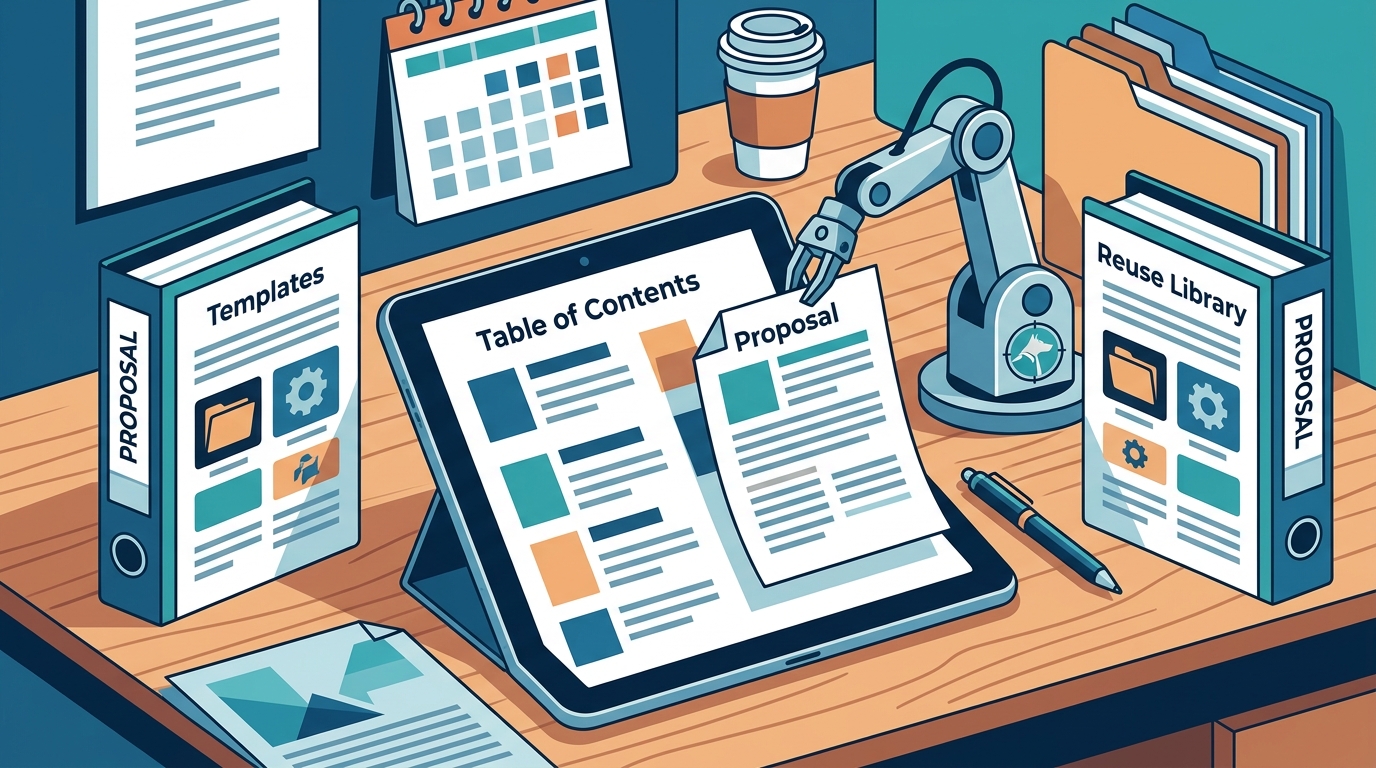
A template library is a centralized repository of pre-written proposal structures organized by industry, service type, or project complexity. Access to a diverse library ensures that you have a starting point for almost any kind of gig. This variety is crucial for freelancers who work across multiple niches or for agencies handling diverse client portfolios.
Organizing by Service Type
Libraries are most useful when categorized by the specific service being offered. For example, a web design proposal differs significantly from a bookkeeping proposal. A well-organized library allows you to filter templates based on the tools mentioned in the brief or the domain of expertise. This quick filtering saves time and ensures relevance.
Versioning and Updates
Templates should be versioned to track changes over time. As you refine your pitch, you want to know which version of a template produced the best results. A good library system records the history of your templates, allowing you to revert to a previous version if needed. This creates a feedback loop where your proposal writing improves continuously.
Content Reuse Automation
Content reuse automation is the process of programmatically inserting previously written, verified text blocks into new proposals based on specific criteria. This technique eliminates the need to rewrite the same introductory paragraphs or capability statements repeatedly. It ensures consistency in your messaging while allowing for minor personalization.
Automated Insertion of Experience Lines
One of the most effective uses of automation is inserting experience lines. You can pre-write statements such as "I have delivered similar projects" or "I know this domain." The tool can then automatically include these lines in a draft if you confirm they are true for the current job. This ensures that your proposal highlights relevant credentials without manual typing.
Managing the Human Review Boundary
Automation should never replace human judgment. The goal is to draft, not to send. A robust system will park the automated draft in a pending review state. You must explicitly approve the content before it can move to the next stage. This boundary ensures that you remain in control of what is communicated to the client.
Tool Comparison
The following table summarizes the key features to look for in a proposal tool. It highlights how different approaches to templates and automation can impact your workflow.
| Feature | Manual Writing | Basic Template Tool | Advanced Automation (e.g., GigHound) |
|---|---|---|---|
| Starting Point | Blank Page | Static Template | Dynamic Draft |
| Customization | Full Manual | Copy/Paste | Automated Insertion |
| Approval Process | N/A | Manual Check | Explicit, Logged Approval |
| Time to Draft | High | Medium | Low |
| Error Risk | High | Medium | Low (Human Verified) |
Key Takeaways
- Proposal templates provide a structural skeleton that reduces the cognitive load of starting from scratch.
- Template libraries should be organized by service type to ensure relevance for diverse gigs.
- Content reuse automation allows for the consistent insertion of verified experience lines.
- Human review is a critical boundary; no proposal should be sent without explicit approval.
- Versioning your templates helps track improvements and maintain a history of your pitch.
- Tools that log approvals provide an audit trail, which is valuable for professional accountability.
- Choosing a tool with a clear approval gate ensures you maintain control over your professional output.
Frequently Asked Questions
What is the main benefit of using a proposal template?
The main benefit is speed and consistency. Templates provide a pre-defined structure, allowing you to focus on the specific details of the job rather than the document layout.
How does content reuse automation work?
It works by identifying pre-written text blocks that are relevant to the current brief and inserting them into the draft. You then review and approve the final text before it is sent.
Can I customize the templates in GigHound?
Yes, the drafting step allows you to select specific experience lines and adjust the tone. The resulting draft is fully editable before you approve it.
Is the proposal sent automatically?
No. GigHound ensures that nothing is sent without your explicit approval. Every approval is logged with a record of who approved it and when.
What is a template library?
A template library is a collection of pre-structured proposal documents organized by category, such as industry or service type, to help you find the right starting point quickly.
Why is the approval step important?
The approval step ensures that you are responsible for the content. It prevents errors or inappropriate language from being sent to a client without your review.
Does GigHound use AI to write proposals?
GigHound uses a drafting step that can be assisted by AI or run in a fixed template mode. In either case, the draft is labeled clearly and requires your human review.
Conclusion
Stopping the habit of starting from a blank page requires the right combination of structure and automation. By leveraging proposal templates and content reuse, you can significantly reduce the time spent on drafting. GigHound provides a human-reviewed proposal tool that ensures you maintain control over every word sent to a client. To see how the drafting step works in practice, you can try the proposal workshop. This allows you to experience the template mode and understand the approval boundary before committing to a plan. For more information on how the product works, visit the product page. If you are ready to streamline your workflow, you can view the pricing options to find the plan that fits your needs. Remember, the goal is to draft efficiently while keeping the final decision in your hands.