%22%20stroke-width%3D%221.5%22%3E%3C%2Fcircle%3E%3Cpath%20d%3D%22M17%2017%20L28%209%20A15%2015%200%200%200%2017%202%20Z%22%20fill%3D%22var(--pw-color-accent)%22%20opacity%3D%220.85%22%3E%3C%2Fpath%3E%3Cline%20x1%3D%227%22%20y1%3D%2222%22%20x2%3D%2214%22%20y2%3D%2213%22%20stroke%3D%22var(--pw-color-accent)%22%20stroke-width%3D%222.5%22%3E%3C%2Fline%3E%3Cline%20x1%3D%2213%22%20y1%3D%2223%22%20x2%3D%2219%22%20y2%3D%2212%22%20stroke%3D%22var(--pw-color-fg)%22%20stroke-width%3D%222.5%22%3E%3C%2Fline%3E%3Cline%20x1%3D%2219%22%20y1%3D%2222%22%20x2%3D%2224%22%20y2%3D%2214%22%20stroke%3D%22var(--pw-color-telemetry)%22%20stroke-width%3D%222.5%22%3E%3C%2Fline%3E%3C%2Fsvg%3E)

Proposal Templates
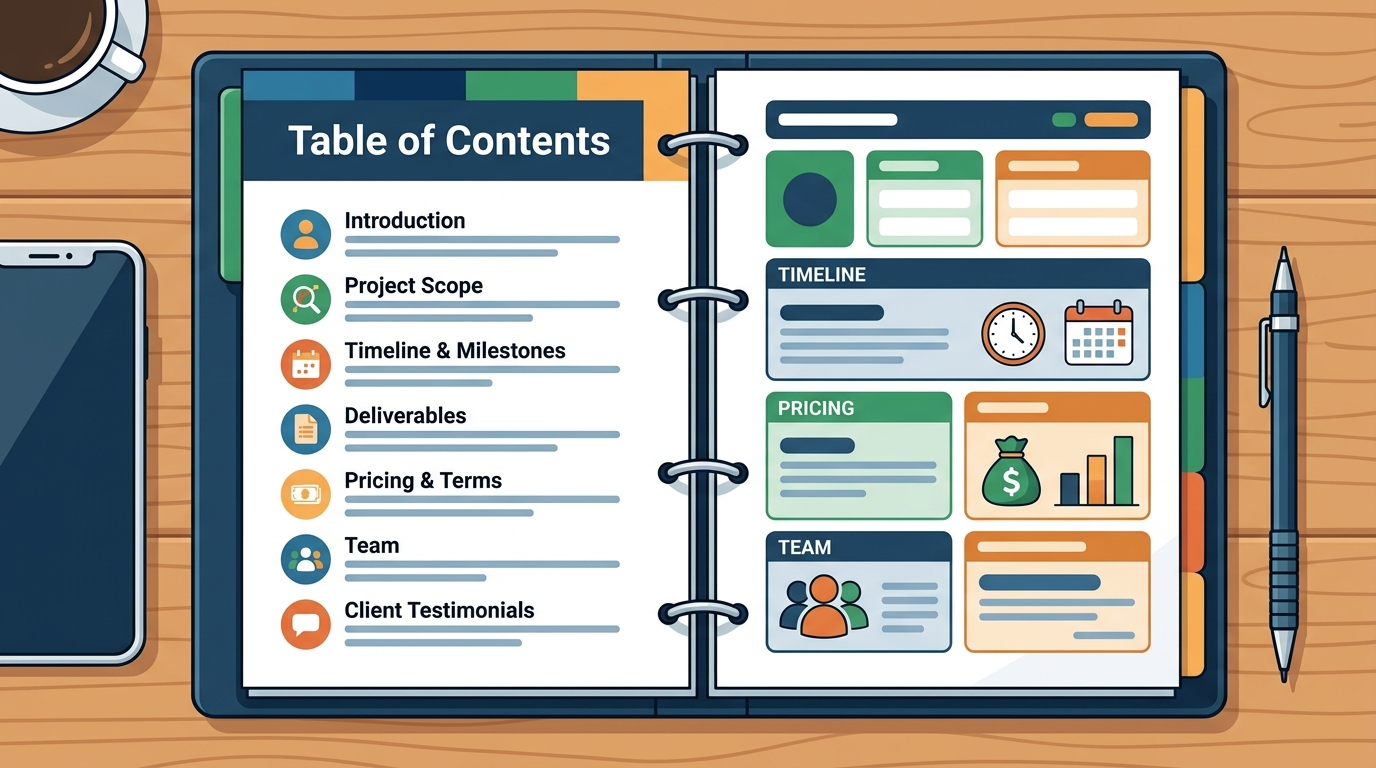
Proposal templates are pre-structured documents that guide freelancers through the essential sections of a client pitch, such as scope, timeline, and pricing. Using a template reduces the cognitive load of starting from a blank page and ensures consistency across multiple bids. For freelancers who handle diverse projects, having a library of adaptable templates is critical for speed and professionalism.
Template Flexibility and Customization
Effective tools allow users to modify template fields to match specific client briefs. GigHound’s proposal workshop demonstrates this by letting users select experience lines and tones to assemble a draft. The system uses a fixed, versioned template to ensure that the output remains structured and honest. This approach prevents the common pitfall of generic, AI-sounding text that fails to resonate with clients.
Version Control and Provenance
Version control in proposal tools ensures that every draft is traceable to its source inputs. GigHound labels its drafts with a provenance header, indicating that the text was assembled locally and has not been sent anywhere. This transparency builds trust with clients who may ask how the proposal was generated. It also helps freelancers maintain a record of their own creative contributions.
E-Signatures
E-signatures are digital methods of signing documents that carry the same legal weight as handwritten signatures in most jurisdictions. For freelancers, e-signatures streamline the contract phase after a proposal is accepted. Integrating e-signature capabilities directly into the proposal tool reduces the need to switch between multiple platforms, thereby speeding up the onboarding process.
Legal Validity and Compliance
Integration with Proposal Workflows
Seamless integration is key to a smooth user experience. If a proposal tool requires exporting a document to a separate e-signature service, it introduces friction and potential errors. GigHound focuses on the drafting and review phase, ensuring that the proposal is ready for the next step. While it does not currently offer native e-signature capabilities, its clean export format allows for easy handoff to external signing services.
Proposal Tracking
Proposal tracking is the process of monitoring the status of a submitted proposal, from initial delivery to client response. It provides visibility into whether a client has opened, viewed, or acted on the proposal. This data helps freelancers prioritize follow-up efforts and understand which proposals are most likely to convert.
Status Visibility and Audit Logs
Advanced tracking tools provide detailed audit logs that record every interaction with a proposal. GigHound maintains an audit log of approvals, recording who approved a draft and when. This level of detail is particularly useful for teams or freelancers who need to demonstrate accountability. It also helps in resolving disputes about the content of a proposal if a client later claims they received different terms.
Follow-Up Automation
Automation features can send polite reminders to clients who have not responded within a set timeframe. This ensures that no proposal falls through the cracks due to busy schedules. However, automation should be used judiciously to avoid appearing pushy. Freelancers should configure reminders to align with their communication style and the client’s preferences.
Pricing Comparison
| Plan | Monthly Cost | Draft Limit | Key Features |
|---|---|---|---|
| GigHound Free | $0 | 5 drafts/month | Human review step, audit log |
Key Takeaways
- Templates in GigHound are versioned and labeled to ensure transparency and provenance.
- The human review step is mandatory, preventing accidental or unauthorized submissions.
- Audit logs record every approval, providing a clear trail for accountability.
- E-signature integration is not native but supports clean export for external services.
- Proposal tracking focuses on internal approval status rather than client-side view metrics.
- The free tier allows 5 drafts per month, useful for evaluating the tool’s fit.
- Payment is processed via Stripe, ensuring secure handling of card details.
Frequently Asked Questions
Is GigHound’s Individual plan really under $30 a month?
Does GigHound use AI to write proposals?
No, the workshop uses a fixed, versioned template to assemble drafts. It is labeled as not AI-generated to maintain transparency and control.
Can I cancel my GigHound subscription anytime?
Yes, you can cancel anytime from your account’s Manage billing section. Cancellation stops future renewals, and your access continues until the end of the paid month.
Does GigHound offer e-signature features?
How does the human review step work?
Every draft parks as pending review and requires a named reviewer to approve it before it can be sent. Anonymous approvals are not counted, ensuring accountability.
Is my data safe when using the GigHound workshop?
Yes, the workshop runs entirely in your browser. Brief text is never transmitted, stored on a server, or shared. Closing the tab discards the data.