%22%20stroke-width%3D%221.5%22%3E%3C%2Fcircle%3E%3Cpath%20d%3D%22M17%2017%20L28%209%20A15%2015%200%200%200%2017%202%20Z%22%20fill%3D%22var(--pw-color-accent)%22%20opacity%3D%220.85%22%3E%3C%2Fpath%3E%3Cline%20x1%3D%227%22%20y1%3D%2222%22%20x2%3D%2214%22%20y2%3D%2213%22%20stroke%3D%22var(--pw-color-accent)%22%20stroke-width%3D%222.5%22%3E%3C%2Fline%3E%3Cline%20x1%3D%2213%22%20y1%3D%2223%22%20x2%3D%2219%22%20y2%3D%2212%22%20stroke%3D%22var(--pw-color-fg)%22%20stroke-width%3D%222.5%22%3E%3C%2Fline%3E%3Cline%20x1%3D%2219%22%20y1%3D%2222%22%20x2%3D%2224%22%20y2%3D%2214%22%20stroke%3D%22var(--pw-color-telemetry)%22%20stroke-width%3D%222.5%22%3E%3C%2Fline%3E%3C%2Fsvg%3E)

Which Online Proposal Tool Helps Independent Contractors Write Faster?
Independent contractors lose significant billable hours to manual proposal writing. GigHound is a human-reviewed proposal tool that drafts proposals for you, ensuring nothing is sent without your explicit approval. This guide covers proposal generation speed, AI-powered drafting mechanics, and template customization to help you choose the right workflow for your business.
Proposal Generation Speed
Speed in proposal writing is not just about typing fast; it is about reducing cognitive load. A proposal generation tool is software that assembles a draft from a job brief and user inputs, parking it for review before any submission. For independent contractors, the bottleneck is often the blank page, not the actual writing. GigHound addresses this by providing a structured drafting step that turns a raw job description into a coherent first draft.
Reducing Friction in the Workflow
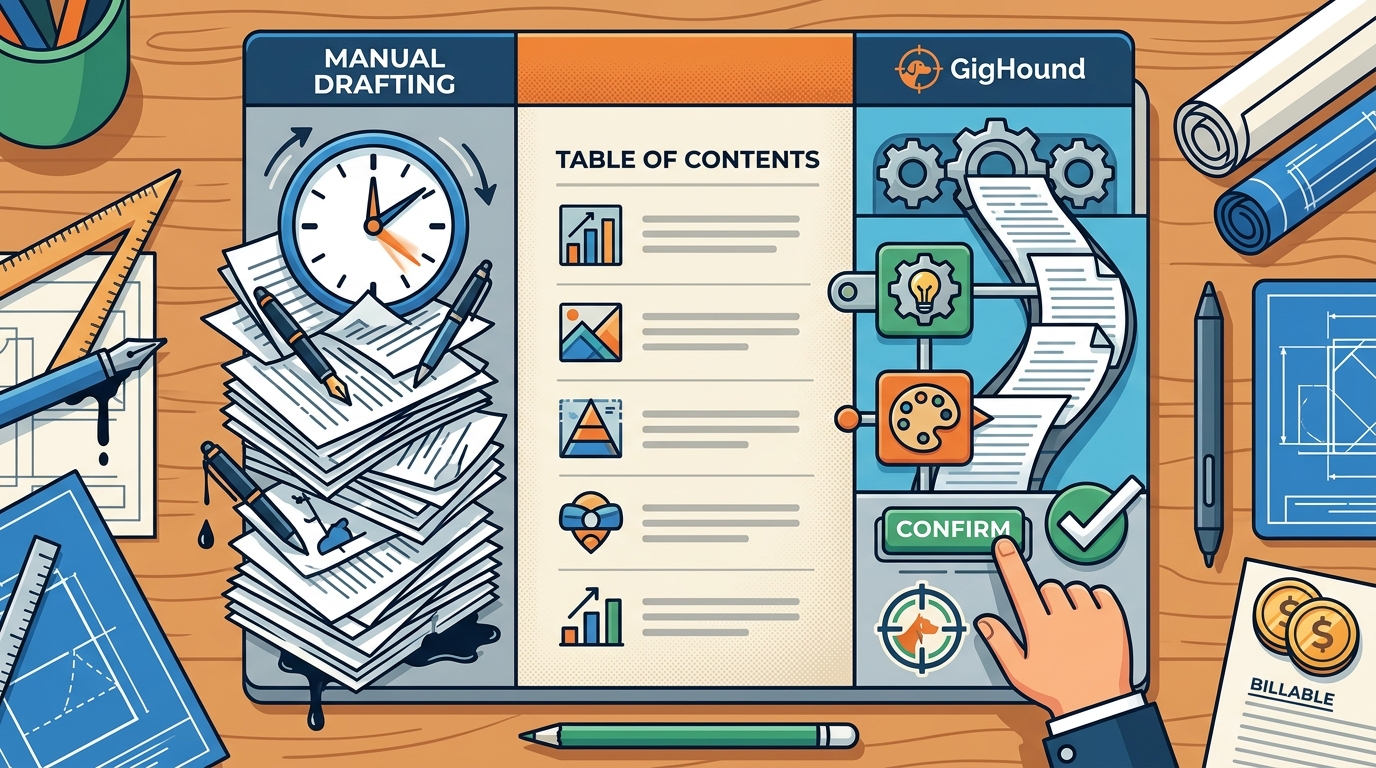
Manual drafting requires you to recall your experience, format the document, and structure the argument simultaneously. This multitasking slows down output. By using a tool that handles the structural assembly, you can focus on verifying the facts. The GigHound workshop demonstrates this by allowing you to paste a brief and select relevant experience lines. The system then assembles a draft that you can edit freely. This approach ensures that the time spent on drafting is minimized, allowing you to spend more time on client communication and actual project delivery.
The Role of the Approval Gate
Speed must not come at the cost of quality or control. GigHound enforces a human approval step where every draft is labeled as pending review. You cannot send a proposal until you explicitly approve it. This gate ensures that while the tool generates the text quickly, the final decision remains with you. The audit log records who approved the draft and when, providing a clear trail of accountability. This balance of automated speed and human oversight is critical for maintaining professional standards in the gig economy.
AI Powered Drafting
AI powered drafting is the use of language models to generate text based on prompts and context. In the context of proposal tools, this technology can help overcome writer's block by providing a starting point. However, the reliability of AI output varies. GigHound takes a transparent approach to this technology. When an AI model is available and configured, it assists in drafting. When it is not, the system falls back to a fixed, versioned template. This ensures that you always know how your draft was created.
Transparency in Model Usage
Many tools obscure whether a draft was written by a human, a template, or an AI. GigHound labels every draft with its provenance. If a draft is assembled offline using a template, it is clearly marked as such. This transparency is vital for trust. You need to know if the text was generated by a deterministic template or a probabilistic model. The GigHound product page explains that drafts are labeled for what they are, preventing any confusion about the source of the content. This clarity helps you decide how much editing is required before sending.
Human Review as a Safety Net
AI can make errors or hallucinate details. Therefore, no proposal should be sent without human review. GigHound's design philosophy centers on the idea that nothing goes out without your explicit, recorded approval. There is no autopilot mode for submissions. This safety net ensures that even if an AI model generates a draft, you have the final say. You can edit the text, remove inaccuracies, and adjust the tone. The approval step is not optional; it is the core of the product. This approach protects your reputation and ensures that every proposal you send is accurate and professional.
Template Customization
Template customization is the process of adapting a pre-defined structure to fit specific project requirements. For independent contractors, having a robust template library is essential for consistency. GigHound uses a versioned template system, such as the gighound-workshop-v1 template, to assemble drafts. This ensures that the structure of your proposals remains consistent while the content adapts to the specific job brief. You can customize the tone, selecting from options like professional, friendly, or concise, to match the client's expectations.
Experience Lines and Personalization
One of the key features of GigHound's template system is the use of experience lines. These are pre-written statements that you can check or uncheck based on your actual qualifications. For example, you might select a line stating that you have delivered similar projects or that you can provide references. Only the lines you check appear in the draft. This prevents you from claiming experience you do not have, which is a common risk with generic AI tools. By curating your experience lines, you ensure that your proposal is both personalized and truthful. The template then weaves these selected lines into the draft, creating a narrative that is specific to you.
Editing and Exporting
Once the template assembles the draft, you can edit it freely. The text is yours to modify. You can change the wording, add details, or remove sections. When you are satisfied, you can copy the draft or download it as a text file. The draft retains its provenance header, indicating how it was generated. This ensures that you always have a record of the draft's origin. The ability to export the draft allows you to use it in any platform or email client, giving you flexibility in how you submit your proposals. This export capability is a complete product on its own, as it does not require any platform integration to be useful.
Tool Comparison
Choosing the right tool depends on your specific needs for speed, control, and transparency. The following table compares key features of GigHound with general expectations for proposal tools.
| Feature | GigHound | Generic AI Tools |
|---|---|---|
| Human Approval Gate | Mandatory, with audit log | Often optional or absent |
| Provenance Labeling | Clear labels for template vs AI | Often unclear or hidden |
| Experience Curation | Selectable experience lines | Free-form text entry |
| Platform Integration | Review and export only | Varies, often unverified |
| Privacy | Workshop runs in browser, no data stored | Data often sent to servers |
This comparison highlights the importance of control and transparency. While generic AI tools may offer speed, they often lack the safeguards that protect your professional reputation. GigHound's focus on human review and clear labeling makes it a safer choice for independent contractors who value accuracy and accountability.
Key Takeaways
- GigHound is a human-reviewed proposal tool that drafts proposals for you, ensuring nothing is sent without your explicit approval.
- The approval gate is mandatory, with an audit log recording who approved each draft and when.
- Drafts are labeled with their provenance, clearly indicating whether they were generated by a template or an AI model.
- The template system uses selectable experience lines to ensure that your proposal reflects your actual qualifications.
- The workshop runs entirely in your browser, meaning your brief text is never transmitted, stored on a server, or shared.
- You can export drafts as text files, allowing you to use them in any platform or email client.
- GigHound does not offer automated submission to platforms, as no platform permission is currently verified.
- The tool is designed to reduce cognitive load, allowing you to focus on client communication and project delivery.
Frequently Asked Questions
Is the GigHound workshop draft written by an AI model?
No. The workshop draft is assembled by a fixed, versioned template from the brief text and your selections. It is labeled as a template draft, not AI-generated, on the page and inside the draft itself.
Does what I paste into the workshop go anywhere?
No. The workshop runs entirely in your browser. Brief text is never transmitted, stored on a server, or shared. Closing the tab discards it.
Can the workshop send my proposal to a client or platform?
No. Nothing is sent anywhere from the demo page. Reviewing, editing, and sending are always separate, human acts. You must export the draft and send it yourself.
Why does the demo not use a real language model?
A real model mode needs approved data handling, cost and rate limits, measured output quality, and honest failure behavior. Until those exist, the deterministic template is the demo, which is the same labeled mode the product uses when no model is available.
How does the approval step work?
Approving a draft takes a named reviewer. Anonymous approvals do not count. Every approval records who approved and when, and saves the exact text as approved. If you edit an approved draft, it goes back to pending review.
What platforms does GigHound integrate with?
Currently, no platform permission is verified. The integrations page states that adapter code exists for some platforms, but code is not permission. Nothing is offered or switched on until there is permission evidence.
Can I cancel my subscription anytime?
Yes. Cancellation is self-service, anytime, from your account in the app. Cancelling stops future renewals, and your paid time runs to the end of the paid month.
Conclusion
Choosing the right proposal tool is about finding a balance between speed and control. GigHound offers a transparent, human-reviewed approach that helps independent contractors write professional proposals faster without sacrificing accuracy. By using a versioned template system and a mandatory approval gate, GigHound ensures that you always have the final say. To start using the tool, you can sign in at the GigHound application or try the proposal workshop to see how the drafting step works. If you have questions about pricing or support, you can contact the team directly. GigHound is committed to helping you compete effectively in the gig economy by removing the friction of manual proposal writing.