%22%20stroke-width%3D%221.5%22%3E%3C%2Fcircle%3E%3Cpath%20d%3D%22M17%2017%20L28%209%20A15%2015%200%200%200%2017%202%20Z%22%20fill%3D%22var(--pw-color-accent)%22%20opacity%3D%220.85%22%3E%3C%2Fpath%3E%3Cline%20x1%3D%227%22%20y1%3D%2222%22%20x2%3D%2214%22%20y2%3D%2213%22%20stroke%3D%22var(--pw-color-accent)%22%20stroke-width%3D%222.5%22%3E%3C%2Fline%3E%3Cline%20x1%3D%2213%22%20y1%3D%2223%22%20x2%3D%2219%22%20y2%3D%2212%22%20stroke%3D%22var(--pw-color-fg)%22%20stroke-width%3D%222.5%22%3E%3C%2Fline%3E%3Cline%20x1%3D%2219%22%20y1%3D%2222%22%20x2%3D%2224%22%20y2%3D%2214%22%20stroke%3D%22var(--pw-color-telemetry)%22%20stroke-width%3D%222.5%22%3E%3C%2Fline%3E%3C%2Fsvg%3E)

For gig workers sending several proposals a week, the best tool is one that automates drafting while keeping human approval as a hard gate. GigHound is a human-reviewed proposal tool that drafts your text and parks it as pending until you explicitly approve it. This guide covers reusable templates, proposal automation, and integrated workflows to help you choose the right platform for your volume.
Reusable Templates
Reusable templates are the foundation of efficient proposal writing. A template is a pre-structured document that contains placeholders for variable data, allowing you to generate unique proposals without starting from a blank page. For a freelancer sending five or more proposals a week, templates eliminate the cognitive load of structuring every document from scratch.
Template Mode vs. AI Generation
Not all drafting engines are created equal. Some tools rely entirely on large language models (LLMs) to generate text, while others use deterministic templates. GigHound's proposal workshop operates in a fixed template mode, labeled clearly as "Template draft — not AI-generated." This approach ensures that the structure of your proposal remains consistent and professional, even when no AI model is available. The template assembles the draft based on the brief you provide and the experience lines you select, ensuring that every claim in the proposal is backed by your actual input.
Customizing for Specific Niches
Effective templates are not one-size-fits-all. You should maintain a library of templates tailored to your specific services, such as web design, data cleanup, or copywriting. When using a tool like GigHound, you can paste a job brief into the workshop, select the relevant experience lines that are true for you, and choose a tone (professional, friendly, or concise). The resulting draft is editable, allowing you to tweak the language before it moves to the review stage. This method ensures that while the structure is reusable, the content remains specific to the client's needs.
Proposal Automation
Proposal automation is the process of using software to generate, review, and manage proposal documents with minimal manual intervention. However, true automation in the gig economy must balance speed with control. The core value of automation is not just in writing the text, but in managing the lifecycle of that text from draft to submission.
The Human Approval Gate
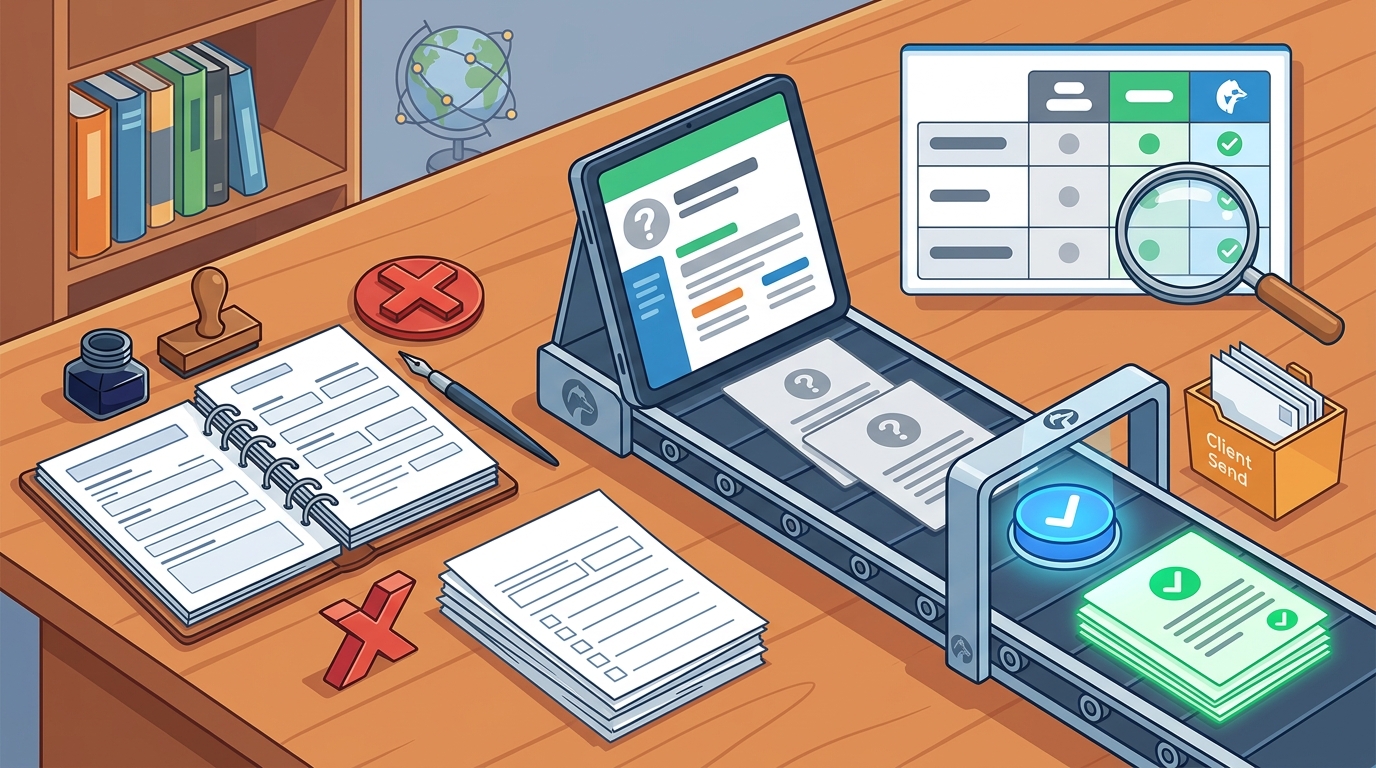
Many automated tools risk sending low-quality or inaccurate proposals because they lack a robust review mechanism. GigHound addresses this by making the human approval step the central feature of the product. Every draft parks as "pending review" and cannot move forward without a named reviewer's explicit approval. This approval is logged with a timestamp and the exact text as approved, creating an immutable audit trail. If you edit an approved draft, it reverts to pending review, ensuring that no changes go unnoticed.
Managing Volume and Caps
For high-volume users, the limits of a tool matter. GigHound offers a free tier with a cap of 5 new drafts per calendar month. For those who need to send several proposals a week, the Individual plan removes this cap entirely. The system is designed to pause drafting when a cap is reached, preventing silent data loss and prompting an upgrade if necessary. This transparency ensures that you always know your operational limits before you start a new draft.
Integrated Workflows
Integrated workflows refer to the ability of a proposal tool to connect with the platforms where you find work, such as Upwork, Freelancer, or LinkedIn. A seamless workflow allows you to draft, review, and submit proposals without manually copying and pasting text between different interfaces.
Platform Permissions and Reality
It is crucial to distinguish between code existence and platform permission. Many tools claim integrations that are not actually verified by the platform owners. GigHound's integrations page provides an honest status board, noting that as of 2026, no platform permission is verified for direct submission. This means that while the tool can prepare your draft, the final submission is a manual handoff. This honesty prevents users from assuming a path exists that does not, allowing them to plan their workflow realistically.
The Review-and-Export Path
Even without direct API submission, a complete workflow is possible. The review-and-export path is a standalone product feature where you prepare the draft in the tool, review it, and then copy or download the text to paste into the platform's submission form. This path requires no platform integration and works universally. It ensures that the quality control benefits of the tool are available regardless of the marketplace's API restrictions.
| Feature | Free Tier | Individual Plan | Team Plan |
|---|---|---|---|
| Monthly Draft Cap | 5 drafts | Uncapped | Uncapped |
| Human Approval Gate | Yes | Yes | Yes |
| Shared Workspaces | No | No | Yes |
| Audit Log | Yes | Yes | Yes |
Key Takeaways
- Human approval is critical: Tools that allow automated sending without a named reviewer risk sending unvetted content.
- Templates ensure consistency: Using fixed templates helps maintain a professional tone and structure across multiple proposals.
- Check integration status: Verify if a tool has actual platform permissions before relying on automated submission.
- Audit trails protect you: A log of who approved what and when is essential for accountability in team settings.
- Volume matters: Ensure the tool's draft cap aligns with your weekly output needs.
- Transparency is key: Choose tools that clearly label their drafting methods, such as template vs. AI.
Frequently Asked Questions
Does GigHound use AI to write proposals?
GigHound uses a fixed, versioned template for its demo and fallback mode. When an AI model is configured, it may assist, but the draft is always labeled for its origin. The core product relies on a human review boundary where nothing is sent without explicit approval.
Can I send proposals directly to Upwork or Freelancer?
Currently, no platform permission is verified for direct submission. The tool prepares the draft, which you then review and export. You must manually paste the text into the platform's submission form. This is the honest, current status of the integrations.
What happens if I edit an approved draft?
If you edit a draft that has already been approved, it automatically reverts to "pending review" status. The previous approval is cleared, and a new approval is required before it can be exported again. This ensures that the approved text always matches the final version.
Is there a limit on how many proposals I can draft?
The free tier allows up to 5 new drafts per calendar month. The Individual and Team plans remove this cap, allowing for unlimited drafting. The cap is enforced by the product itself, and you will be notified when you reach it.
How does the audit log work?
Every approval is recorded with the name of the reviewer, the timestamp, and the exact text as approved. This log is saved and cannot be altered, providing a clear history of who authorized each proposal.
Can I use GigHound for my team?
Yes, the Team plan adds shared workspaces where each person's reviews are logged under their own name. This allows for collaborative proposal management while maintaining individual accountability for approvals.
Conclusion
Choosing the right proposal tool is about balancing speed with control. For gig workers who need to send several proposals a week, GigHound offers a robust solution that prioritizes human review and transparency. By using reusable templates and a strict approval gate, you can scale your proposal output without compromising quality. Start by exploring the workshop to see how the drafting step works, and then decide if the workflow fits your needs.