%22%20stroke-width%3D%221.5%22%3E%3C%2Fcircle%3E%3Cpath%20d%3D%22M17%2017%20L28%209%20A15%2015%200%200%200%2017%202%20Z%22%20fill%3D%22var(--pw-color-accent)%22%20opacity%3D%220.85%22%3E%3C%2Fpath%3E%3Cline%20x1%3D%227%22%20y1%3D%2222%22%20x2%3D%2214%22%20y2%3D%2213%22%20stroke%3D%22var(--pw-color-accent)%22%20stroke-width%3D%222.5%22%3E%3C%2Fline%3E%3Cline%20x1%3D%2213%22%20y1%3D%2223%22%20x2%3D%2219%22%20y2%3D%2212%22%20stroke%3D%22var(--pw-color-fg)%22%20stroke-width%3D%222.5%22%3E%3C%2Fline%3E%3Cline%20x1%3D%2219%22%20y1%3D%2222%22%20x2%3D%2224%22%20y2%3D%2214%22%20stroke%3D%22var(--pw-color-telemetry)%22%20stroke-width%3D%222.5%22%3E%3C%2Fline%3E%3C%2Fsvg%3E)

Stop Starting From a Blank Page: The Ultimate Guide to Online Proposal Tools
Choosing the right online proposal tool eliminates the friction of staring at a blank page. GigHound is a human-reviewed proposal tool that drafts your content and waits for your explicit approval before anything is sent. This guide covers how to select a tool that respects your control, explains the mechanics of proposal templates, and details how content reuse automation works in practice.
Understanding Proposal Templates
A proposal template is a pre-structured document framework that guides the creation of a business offer. It provides the skeleton for your pitch, ensuring that critical sections like scope, timeline, and pricing are always present. For freelancers, the primary value of a template is speed. It removes the cognitive load of deciding what to write next. You focus on the specific details of the client's brief rather than the structure of the document itself.
The Role of Fixed Templates
Dynamic vs. Static Structures
Navigating Template Libraries
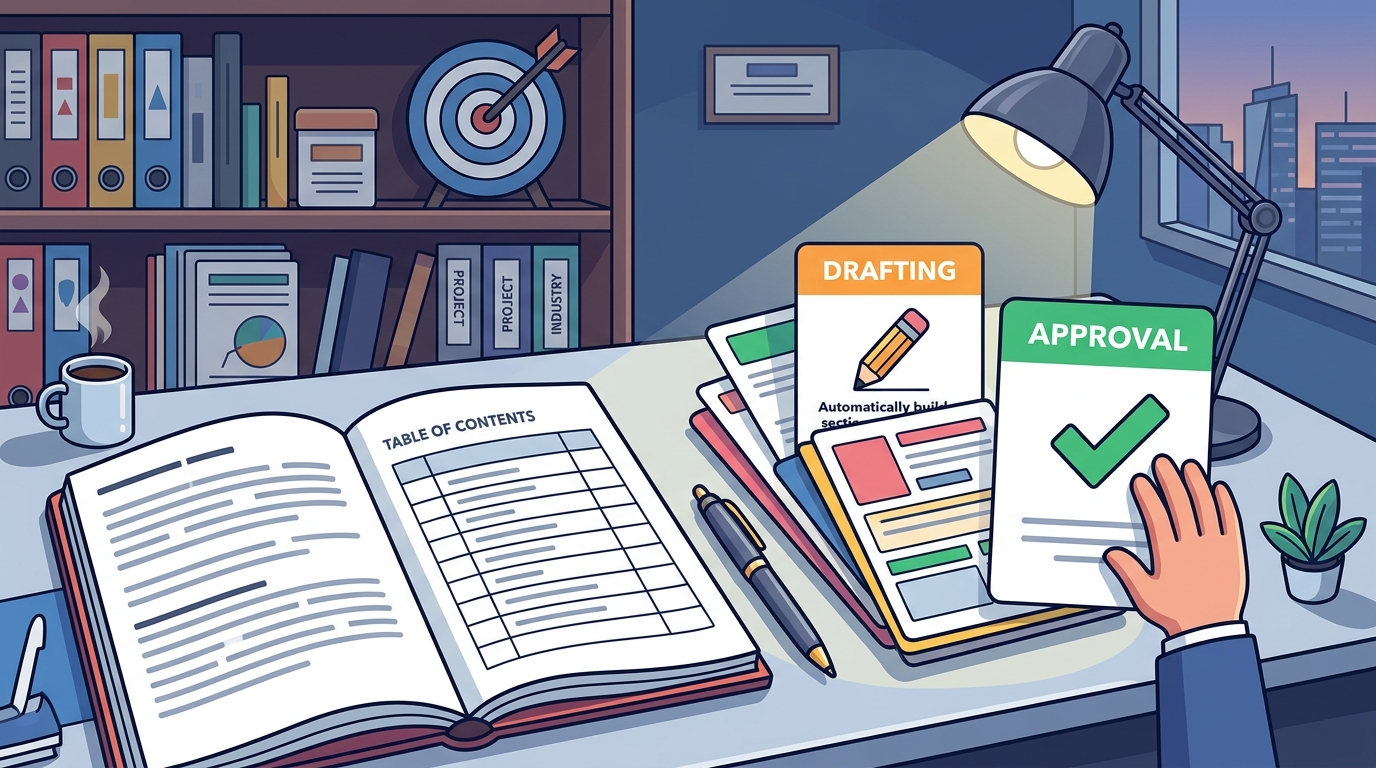
A template library is a collection of pre-designed proposal structures organized by industry or project type. These libraries allow you to start with a design that matches your specific niche. For instance, a web developer might use a template designed for site builds, while a graphic designer might use one for brand identity projects. The quality of a library is measured by its relevance and depth. A deep library covers edge cases. A shallow library only covers generic projects.
Industry Specificity
Generic templates often lack the specific language required for specialized fields. A proposal for a legal consultant needs different tone and structure than one for a handyman. Look for libraries that categorize templates by profession. This ensures that the terminology and section headers align with what your clients expect. It reduces the time you spend editing generic text into professional language.
Customization Depth
Not all libraries allow for deep customization. Some lock you into their branding or structure. Others allow you to modify every element. You should be able to add, remove, or reorder sections. You should be able to change the tone. The ability to save your own custom templates is a critical feature. It allows you to build your own library over time, reflecting your unique voice and process.
Leveraging Content Reuse Automation
Content reuse automation is the process of automatically inserting previously written text into new proposals. This is the core mechanism that stops you from starting from a blank page. Instead of rewriting your standard terms, your bio, or your methodology every time, the tool pulls this content from a central repository. This saves significant time. It also ensures consistency across all your client interactions.
Snippet Management
Effective automation relies on snippet management. You create reusable blocks of text, such as your introduction, your pricing model, or your terms of service. When you start a new proposal, you can insert these snippets with a single action. This is more efficient than copy-pasting from a separate document. It keeps your content organized and up to date. If you update your bio in the repository, it updates in all future drafts.
The Human Approval Boundary
Automation should never bypass human judgment. A critical feature of a safe proposal tool is the approval gate. This ensures that no draft is sent without your explicit consent. GigHound emphasizes this boundary. Every approval is logged with who approved it and when. This creates an audit trail. It protects you from accidental submissions. It also provides peace of mind that you remain in control of your professional output.
Comparing Proposal Tool Approaches
Different tools handle the drafting process in different ways. The table below summarizes the key differences between common approaches. This helps you identify which model fits your workflow.
| Feature | Fixed Template Approach | AI-Generated Approach | Manual Writing |
|---|---|---|---|
| Speed | High | Variable | Low |
| Consistency | High | Medium | High |
| Control | High | Low | Full |
| Learning Curve | Low | Medium | None |
| Risk of Error | Low | Medium | Low |
Key Takeaways
- Proposal templates provide a structural framework that reduces cognitive load and speeds up drafting.
- Template libraries should be industry-specific to ensure relevant terminology and structure.
- Content reuse automation allows you to insert pre-written snippets, ensuring consistency and saving time.
- A human approval gate is essential to maintain control over what is sent to clients.
- Fixed templates offer predictability, while AI-generated drafts offer speed but require more review.
- An audit log of approvals provides accountability and a record of your decisions.
- The best tool is one that fits your workflow and respects your need for control.
Frequently Asked Questions
What is the main benefit of using a proposal tool?
The main benefit is speed. It eliminates the blank page problem by providing a structured starting point. This allows you to focus on the specific details of the client's brief rather than the document structure.
Does GigHound use AI to write proposals?
GigHound uses a fixed, versioned template for its workshop. It is labeled as a template draft, not AI-generated. The product may use AI assistance where configured, but the core drafting step in the demo is deterministic.
Can I customize the templates in GigHound?
Yes. You can edit the draft freely. The workshop allows you to check experience lines that are true of you and pick a tone. The resulting draft is editable and yours to use.
Is there a limit to how many proposals I can draft?
The free tier of GigHound allows up to 5 new drafts per calendar month. The Individual plan removes this cap. The Team plan adds shared workspaces. You can check the pricing page for details.
How does the approval process work?
Every draft parks as pending review. You must approve it with a named reviewer. The approval is logged with who approved it and when. If you edit an approved draft, it goes back to pending review.
Can I send proposals directly to clients from GigHound?
The workshop does not send anything. It is a drafting tool. Submission is a separate step. Currently, no platform permission is verified for direct submission, so no submission path is advertised.