%22%20stroke-width%3D%221.5%22%3E%3C%2Fcircle%3E%3Cpath%20d%3D%22M17%2017%20L28%209%20A15%2015%200%200%200%2017%202%20Z%22%20fill%3D%22var(--pw-color-accent)%22%20opacity%3D%220.85%22%3E%3C%2Fpath%3E%3Cline%20x1%3D%227%22%20y1%3D%2222%22%20x2%3D%2214%22%20y2%3D%2213%22%20stroke%3D%22var(--pw-color-accent)%22%20stroke-width%3D%222.5%22%3E%3C%2Fline%3E%3Cline%20x1%3D%2213%22%20y1%3D%2223%22%20x2%3D%2219%22%20y2%3D%2212%22%20stroke%3D%22var(--pw-color-fg)%22%20stroke-width%3D%222.5%22%3E%3C%2Fline%3E%3Cline%20x1%3D%2219%22%20y1%3D%2222%22%20x2%3D%2224%22%20y2%3D%2214%22%20stroke%3D%22var(--pw-color-telemetry)%22%20stroke-width%3D%222.5%22%3E%3C%2Fline%3E%3C%2Fsvg%3E)

For freelancers seeking unlimited drafts at a flat monthly price, GigHound is the optimal choice. It offers an Individual plan that removes draft caps entirely for a fixed fee, ensuring you never pay per proposal. This guide examines platform compliance, personalization, and workflow efficiency to help you select the right tool for your specific needs.
Platform Compliance Rules
Understanding platform rules is critical before automating your outreach. Many freelance marketplaces have strict terms of service regarding how proposals are generated and submitted. A proposal tool is software that assists in drafting, but it must operate within the boundaries set by the platforms you use. GigHound prioritizes transparency by clearly stating which integrations are verified and which are not. As of 2026, GigHound does not claim official API partnerships with major platforms like Upwork or Fiverr. Instead, it focuses on a review-and-export model where you retain full control over the final submission. This approach ensures you remain compliant with platform rules that may prohibit automated bulk submissions or hidden automation. By using a tool that explicitly labels its capabilities, you avoid the risk of account suspension due to non-compliant behavior.
Manual Personalization Importance
Generic proposals often fail to convert because they lack specific relevance to the client's unique challenges. Manual personalization is the process of adding unique details, references, and tailored language to a draft to make it resonate with a specific client. While automation can handle the structure, the human touch is what wins the contract. GigHound enforces a human review step where every draft must be approved by a named reviewer before it can be exported. This ensures that no generic text is sent without your explicit sign-off. You can edit the draft to include specific project details, past successes, or direct responses to the client's pain points. This balance between automated drafting and manual refinement allows you to scale your outreach without sacrificing quality.
Client Specific Customization
Effective proposals address the specific needs outlined in the job brief. Client specific customization involves adjusting the tone, structure, and content of a proposal to match the client's industry and communication style. GigHound's proposal workshop allows you to select a tone, such as professional, friendly, or concise, which adjusts the language of the draft accordingly. You can also check experience lines that are true of you, ensuring the proposal only claims skills you actually possess. This prevents overpromising and builds trust. By customizing the draft to reflect your actual capabilities and the client's specific requirements, you create a more compelling and credible pitch. This level of detail is often missing in fully automated tools that rely solely on generic templates.
Hybrid Proposal Workflow
A hybrid workflow combines the speed of automation with the control of manual review. This approach allows you to generate multiple drafts quickly while ensuring each one meets your quality standards. GigHound operates on this hybrid model, where the software assembles the draft, but the human decides when and if it is sent. The draft parks as pending review, and only after your approval does it become ready for export. This workflow eliminates the risk of accidental submissions or sending unpolished content. It also provides an audit log of every approval, recording who approved the draft and when. This accountability is crucial for teams or agencies managing multiple freelancers. The hybrid model ensures efficiency without compromising the personal touch that clients expect.
Time Efficiency Metrics
Time spent writing proposals is time not spent billing clients. Measuring time efficiency helps you understand the return on investment for a proposal tool. A flat-rate tool that removes draft caps allows you to spend less time on repetitive writing tasks. GigHound's template mode assembles a draft in seconds, based on the brief and your selected experience lines. This reduces the initial drafting time significantly. You then spend a few minutes reviewing and editing the draft, rather than starting from a blank page. By tracking the time saved per proposal, you can quantify the value of the tool. For freelancers who send multiple proposals a day, this time savings can translate into significant additional billable hours. The goal is to minimize the friction between seeing a job and sending a tailored response.
Proposal Tool Comparisons
Choosing the right tool requires comparing features, pricing, and compliance. Different tools offer different levels of automation and control. Some tools focus on full automation, while others prioritize human oversight. GigHound stands out for its explicit human approval gate and transparent integration status. It does not hide its limitations, clearly stating that no platform submission path is currently verified. This honesty helps you make an informed decision. When comparing tools, look for those that offer unlimited drafts on a flat plan, as this aligns with the goal of scaling outreach without variable costs. Also consider the level of customization and the availability of an audit trail. These factors determine how well the tool fits your specific workflow and compliance needs.
Unlimited Proposal Drafts
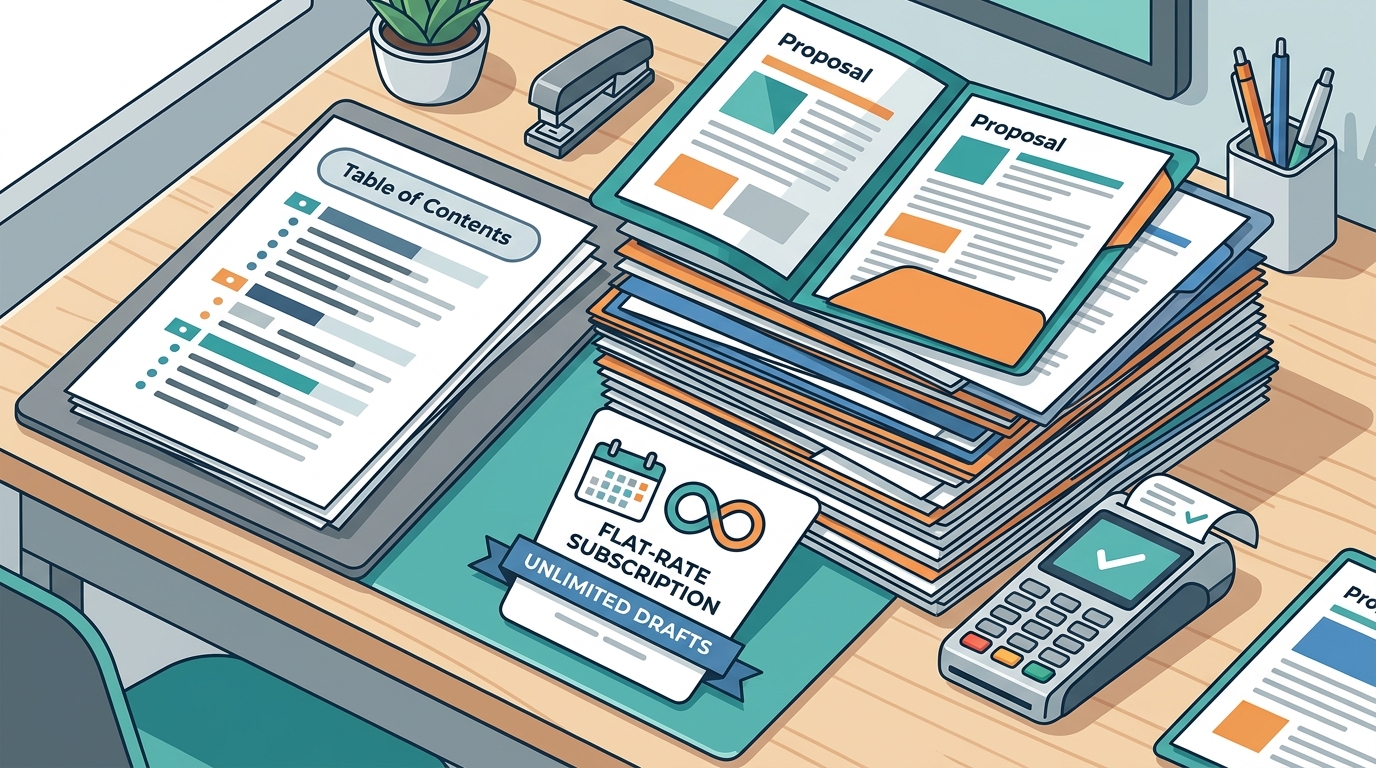
Unlimited proposal drafts mean you can create as many proposals as you want without hitting a monthly cap. This is a key feature for freelancers who want to maximize their chances of winning work. GigHound's Individual plan offers unlimited drafts for a flat monthly price, removing the anxiety of running out of credits. The free tier limits you to five drafts per month, but the paid plan lifts this restriction entirely. This allows you to respond to every relevant job posting without worrying about costs. Unlimited drafts encourage a higher volume of outreach, which statistically increases your win rate. By removing the cap, GigHound empowers you to be more aggressive in your job search. This feature is particularly valuable during peak seasons or when targeting high-value clients who require detailed proposals.
Unlimited Drafts Features
Features that support unlimited drafts include flexible templates, tone selection, and easy export options. GigHound provides a versioned template that ensures consistency across all your proposals. You can adjust the tone to match the client's vibe, making each draft feel unique. The tool also allows you to copy or download the draft as a text file, making it easy to paste into any platform. This flexibility is crucial for maintaining compliance with different marketplace rules. The audit log is another important feature, as it records every approval and edit. This provides a clear history of your proposal activity, which is useful for tracking performance and accountability. These features work together to support a high-volume, high-quality proposal strategy.
Proposal Tool Comparison
The following table compares key features of GigHound with general expectations for proposal tools. This comparison helps you understand the specific value proposition of GigHound in the market.
| Feature | GigHound | Typical AI Tool |
|---|---|---|
| Draft Cap | Unlimited on Individual plan | Often credit-based or capped |
| Human Approval | Mandatory, logged with name and time | Optional or automated |
| Platform Integration | Review and export only, no verified API | Varies, often claims API access |
| Pricing Model | Flat monthly rate | Per draft or tiered credits |
| Audit Log | Yes, records approvals and edits | Rarely available |
Key Takeaways
- GigHound offers unlimited drafts on its Individual plan for a flat monthly price.
- Platform compliance is maintained by using a review-and-export model rather than automated submission.
- Manual personalization is enforced through a mandatory human approval step.
- The hybrid workflow combines fast drafting with human control and audit logging.
- Time efficiency is improved by reducing blank-page writing to quick reviews and edits.
- Transparent integration status helps users avoid non-compliant automation risks.
- Features like tone selection and versioned templates support consistent, tailored proposals.
- The audit log provides accountability for every approved draft.
Frequently Asked Questions
Does GigHound send proposals automatically?
No, GigHound does not send proposals automatically. Every draft must be reviewed and approved by a named user before it can be exported. This ensures you have full control over what is sent.
Is there a limit on the number of drafts I can create?
The free tier limits you to five drafts per month. The Individual plan removes this cap, allowing you to create unlimited drafts for a flat monthly price.
Can I use GigHound with Upwork or Fiverr?
GigHound does not currently have verified API integrations with Upwork or Fiverr. You can use the review-and-export feature to copy your approved draft and paste it into these platforms manually.
How does the human approval step work?
When a draft is created, it parks as pending review. You must explicitly approve it, and the system records who approved it and when. If you edit an approved draft, it goes back to pending review.
Is the pricing per draft or monthly?
Can I customize the tone of my proposals?
Yes, you can select from professional, friendly, or concise tones in the proposal workshop. This adjusts the language of the draft to match your preference.
What happens if I cancel my subscription?
You can cancel anytime from your account. Your paid time runs to the end of the paid month, and no future renewals will occur. There is no save-me flow or negotiation required.
Conclusion
Selecting the right proposal tool is a strategic decision that impacts your compliance, efficiency, and win rate. GigHound provides a clear, honest, and effective solution for freelancers who want unlimited drafts at a flat monthly price. By prioritizing human review and transparent integration status, it empowers you to scale your outreach without compromising quality or compliance. To start using GigHound, visit the homepage and explore the proposal workshop. You can also check the pricing page to see the plans that fit your needs. Take control of your proposal process today and let GigHound handle the drafting while you focus on winning work.