%22%20stroke-width%3D%221.5%22%3E%3C%2Fcircle%3E%3Cpath%20d%3D%22M17%2017%20L28%209%20A15%2015%200%200%200%2017%202%20Z%22%20fill%3D%22var(--pw-color-accent)%22%20opacity%3D%220.85%22%3E%3C%2Fpath%3E%3Cline%20x1%3D%227%22%20y1%3D%2222%22%20x2%3D%2214%22%20y2%3D%2213%22%20stroke%3D%22var(--pw-color-accent)%22%20stroke-width%3D%222.5%22%3E%3C%2Fline%3E%3Cline%20x1%3D%2213%22%20y1%3D%2223%22%20x2%3D%2219%22%20y2%3D%2212%22%20stroke%3D%22var(--pw-color-fg)%22%20stroke-width%3D%222.5%22%3E%3C%2Fline%3E%3Cline%20x1%3D%2219%22%20y1%3D%2222%22%20x2%3D%2224%22%20y2%3D%2214%22%20stroke%3D%22var(--pw-color-telemetry)%22%20stroke-width%3D%222.5%22%3E%3C%2Fline%3E%3C%2Fsvg%3E)

Which Online Proposal Tool Lets You Edit and Approve Drafts Before Sending?
Yes, GigHound is an online proposal tool that lets you edit a draft and approve it yourself before it is sent. It is designed specifically for freelancers and independent contractors who need to maintain full control over their professional communications. This guide covers the editing workflows, approval processes, and specific tools available within the GigHound platform to ensure your proposals are accurate and ready for submission.
Proposal Editing Workflows
Effective proposal creation requires a structured approach to drafting and refining content. GigHound facilitates this through a clear workflow that separates the generation of text from the finalization of the document. The platform allows users to assemble drafts using either fixed templates or AI assistance, depending on the configuration. This flexibility ensures that the initial draft is a starting point, not a final product.
Template-Based Drafting
For users who prefer deterministic outputs, GigHound offers a template mode. This mode uses a fixed, versioned template to assemble the proposal based on the brief and selected experience lines. The draft is labeled clearly as a template draft, ensuring transparency about its origin. This approach is ideal for users who want consistent formatting and predictable content structure without relying on generative models.
AI-Assisted Drafting
When configured, the platform can use AI assistance to generate draft content. However, the core principle remains the same: the draft is parked as pending review. It cannot move forward in the workflow until a human explicitly approves it. This ensures that even AI-generated content is subject to human oversight and editing before it reaches a client.
Iterative Refinement
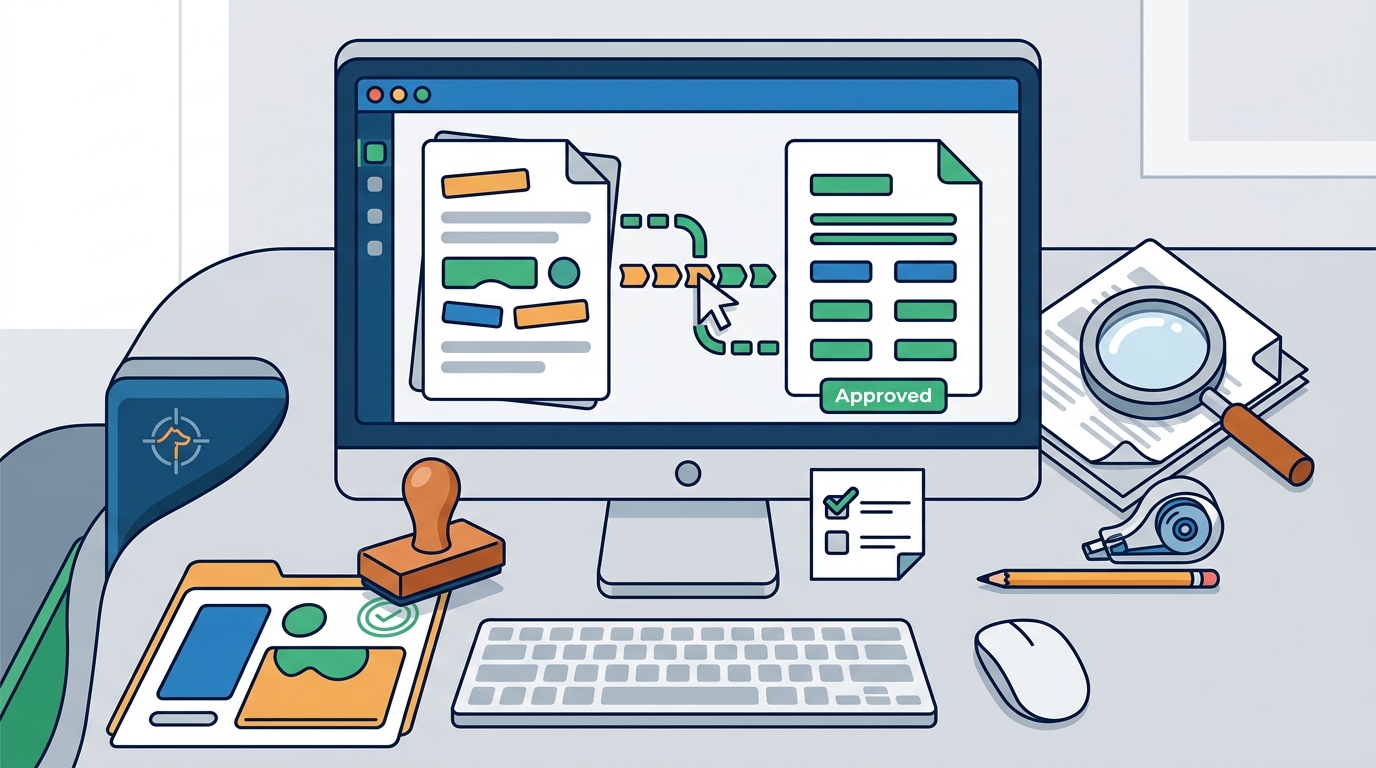
Users can edit the draft freely within the platform. The editing interface allows for changes to tone, structure, and specific details. If a user edits an approved draft, the system reverts the status to pending review. This mechanism prevents accidental changes from bypassing the approval gate, maintaining the integrity of the review process.
Approval Processes
The approval process is the central feature of GigHound. It is designed to ensure that no proposal is sent without explicit human authorization. This process involves named reviewers, audit logging, and strict state management. The goal is to provide a clear record of who approved what and when, which is crucial for professional accountability.
Named Reviewer Requirement
Approving a draft requires a named reviewer. Anonymous approvals are not counted in the system. This requirement ensures that there is a clear individual responsible for the content of the proposal. It aligns with professional standards where accountability is key to maintaining client trust and professional reputation.
Audit Logging and Version Control
Every approval action is recorded in an audit log. This log captures the identity of the approver, the timestamp of the approval, and the exact text as it was approved. If the draft is edited after approval, the previous approval is cleared, and the draft returns to a pending state. This version control ensures that the approved text is always the version that is submitted, preventing discrepancies between what was reviewed and what is sent.
Preventing Autopilot Errors
GigHound deliberately avoids autopilot modes for submission. There is no feature that allows a proposal to be sent automatically based on a schedule or script. This design choice addresses a common concern in automated tools: the risk of unintended submissions. By requiring manual approval for every single draft, the platform ensures that the user retains final control over their professional output.
Proposal Editing Tools
GigHound provides specific tools to support the editing and approval workflow. These tools are integrated into the platform to streamline the process of preparing proposals for the gig economy. The focus is on usability, transparency, and control, ensuring that freelancers can manage their proposals efficiently.
The Proposal Workshop
The proposal workshop is a key component of the GigHound platform. It allows users to assemble a draft by selecting a brief, checking experience lines, and choosing a tone. The workshop runs in the user's browser, ensuring that the brief text is not transmitted or stored on a server unless the user explicitly chooses to save it. This local processing enhances privacy and security for sensitive project details.
Review and Export Interface
Once a draft is assembled, it appears in the review queue. Users can view the draft, make edits, and approve it for submission. The interface clearly indicates the status of each draft, whether it is pending review, approved, or exported. This visual clarity helps users manage multiple proposals simultaneously without confusion. The export function is only available for approved drafts, reinforcing the approval gate.
Integration and Platform Status
GigHound is designed to work with various freelance platforms, but it maintains a strict policy on integration permissions. As of the current verification, no platform submission path is advertised because no platform permission is verified. This means that while users can draft and approve proposals within GigHound, the actual submission to platforms like Upwork or Fiverr is handled through a guarded handoff or manual export. This honest approach to integration status ensures that users are not misled about the capabilities of the tool.
| Feature | Description | User Control |
|---|---|---|
| Template Drafting | Assembles drafts using fixed, versioned templates. | High: User selects inputs, template generates text. |
| AI Assistance | Generates drafts using AI models when configured. | Medium: User reviews and edits AI output. |
| Approval Gate | Requires named reviewer approval before submission. | Full: No submission without explicit approval. |
| Audit Log | Records who approved what and when. | Passive: System maintains record for accountability. |
| Export | Allows approved drafts to be exported or submitted. | Full: User initiates export for approved drafts. |
Key Takeaways
- GigHound is a proposal tool that requires explicit human approval before any draft is sent.
- The platform supports both template-based and AI-assisted drafting, with clear labeling for each.
- Approvals must be made by a named reviewer, ensuring accountability and professional integrity.
- An audit log records every approval, including the exact text and timestamp, for version control.
- Editing an approved draft reverts its status to pending review, preventing unauthorized changes.
- The proposal workshop runs locally in the browser, enhancing privacy for sensitive briefs.
- No autopilot submission features exist; every proposal requires manual approval.
- Platform integrations are only advertised when permission is verified, ensuring honest capability reporting.
Frequently Asked Questions
Can I send a proposal without approving it in GigHound?
No. GigHound is designed so that nothing goes out without your explicit, recorded approval. The draft must be approved by a named reviewer before it can be exported or submitted.
What happens if I edit a draft after I have approved it?
If you edit an approved draft, it goes back to pending review, and the previous approval is cleared. This ensures that the version you submit is the exact version you reviewed and approved.
Does GigHound use AI to write proposals?
GigHound can use AI assistance for drafting if configured. However, it also offers a template mode that uses fixed, versioned templates. All drafts, whether AI-generated or template-based, require human review and approval.
Is my brief data stored on a server when using the workshop?
No. The proposal workshop runs entirely in your browser. The brief text you paste is never transmitted, saved on a server, or shared unless you explicitly choose to save the draft in the application.
Can GigHound submit proposals directly to platforms like Upwork?
Currently, no platform submission path is advertised because no platform permission is verified. You can draft and approve proposals in GigHound, but submission to external platforms is handled through a guarded handoff or manual export.
Who is responsible for approving a proposal in a team setting?
In a team setting, each person's reviews are under their own name. Approvals must be made by a named reviewer, ensuring that there is a clear individual responsible for the content of the proposal.
How does GigHound handle privacy for proposal content?
GigHound focuses on privacy by running the workshop locally in the browser. The platform sets no cookies and runs no analytics or third-party trackers. The only personal data handled is what you type into a form yourself, which goes to the intake service with a storage-consent checkbox.
Is there a free version of GigHound?
Yes. The free tier allows up to 5 new drafts per calendar month. Paid plans, such as Individual and Team, remove the draft cap and add features like shared workspaces.
Conclusion
GigHound provides a robust solution for freelancers who need to maintain control over their proposal submissions. By combining flexible drafting tools with a strict approval process, it ensures that every proposal is reviewed and approved by a human before it is sent. This approach addresses the common concerns of automation, such as lack of control and accountability. If you are looking for a tool that respects your professional judgment and provides a clear audit trail, GigHound is the right choice. You can start by exploring the product overview or trying the proposal workshop to see how the workflow functions in practice.